What's Included
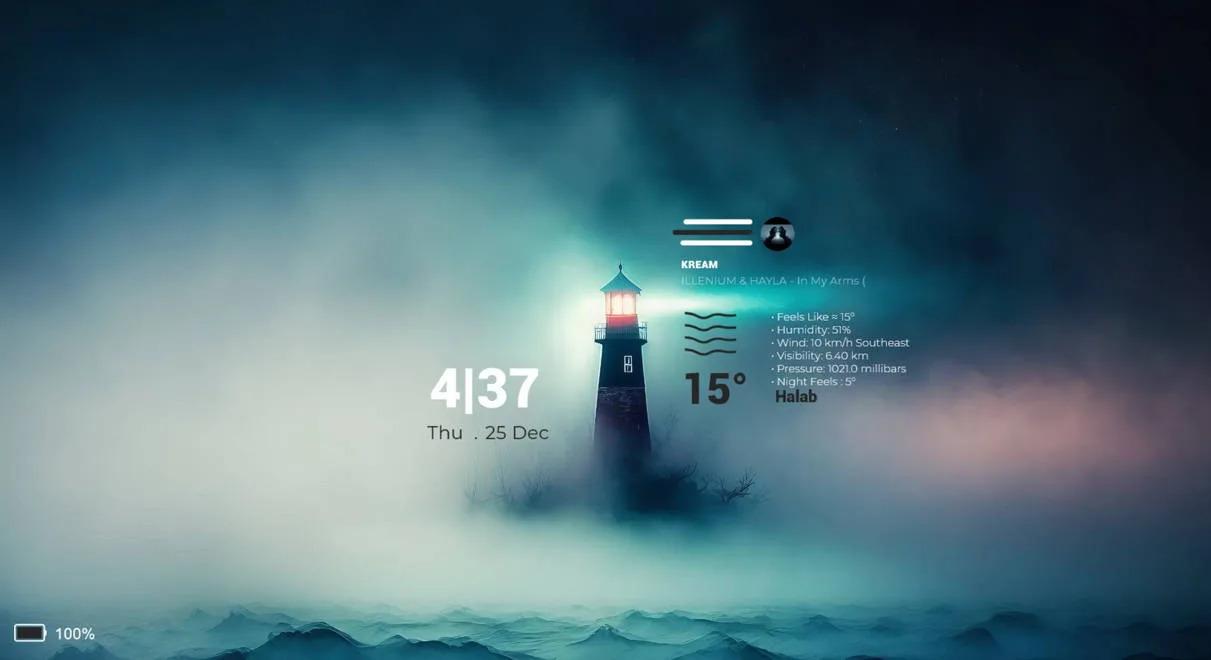
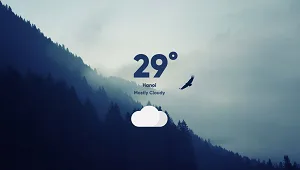
- Current weather panel – displays your detected location and the current weather condition (such as clear, cloudy, or rain, based on your preview image and similar Glass‑Weather skins).
- Weather temperature display – shows the current temperature and likely “feels like” or “humidity‑style” detail, depending on what the original Glass Weather suite provides.
- Location and service info – shows the city or region name and the data source (Yahoo‑based weather provider, as with the original ApexXx‑SenSei Glass Weather, assuming this is preserved in the edited version).
Who Is This Skin For?
This skin works well for students, office workers, and casual gamers in the USA who want a simple, unobtrusive weather widget on their taskbar or desktop. It fits nicely with minimalist or glass‑style setups and suits users who like small Rainmeter widgets that don’t dominate the screen.Requirements
- Rainmeter: Version not specified by the author.
- OS: Windows 10 / Windows 11
- Plugins: Not specified by the author.
How to Install
- Download the skin from DeviantArt
- Open the .rmskin file
- Click install
- Load the skin from Rainmeter
Tip: If the skin doesn’t appear or shows blank text, right‑click the Rainmeter tray icon and choose “Refresh All” so the weather data can reload.
About the Author
CatArt‑1304 is a DeviantArt creator who adapts and refines existing Rainmeter suites, often giving them a cleaner or more modern look while keeping the original layout intact. Their work focuses on simple, glass‑inspired widgets that blend well with everyday desktops.View the original release and more work: Glass Weather – ApexXx SenSei (Edited by Cat Art) by CatArt‑1304 on DeviantArt