Best Rainmeter Skins in 2026
Rainmeter transforms a boring Windows desktop into something that looks straight out of a sci-fi film — or a cozy anime room, or a gamer's battlestation. We've hand-picked the top free skins across every style: system monitors, clocks, audio visualizers, weather widgets, anime themes, and gaming setups. All skins are free, work on Windows 10 and 11, and install in under a minute.
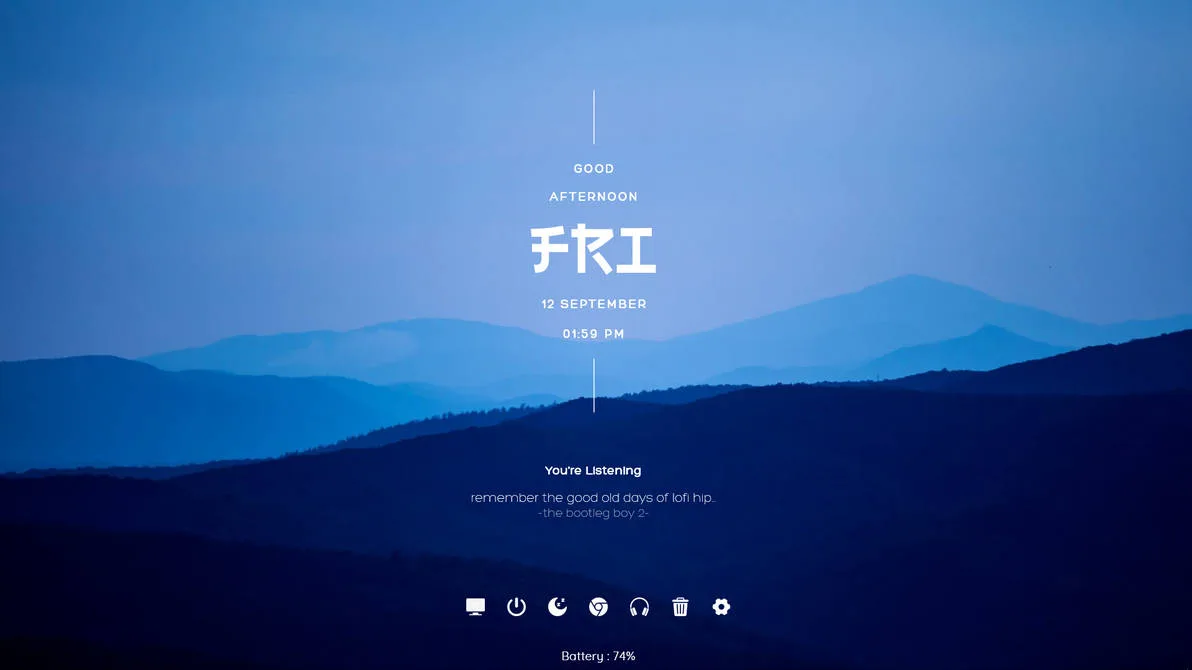 ★ Featured
Summit is a modern, minimal Rainmeter suite by aohiocawhda that keeps your deskt...
 ★ Featured
A clean Rainmeter skin with a modern desktop layout and useful everyday widgets....
 ★ Featured
A Spider-Man themed Rainmeter skin with a red-and-black look. The DeviantArt lis...
What Makes a Great Rainmeter Skin?
The best Rainmeter skins balance three things: visual design, useful information, and performance. A great skin looks good on your desktop without slowing your PC, displays data you actually want to see, and installs cleanly without requiring complex setup. Every skin in this collection has been reviewed for all three.
New to Rainmeter? Read our complete beginner's guide first — it covers installation, how to load skins, and how to customise them. The whole process takes about 10 minutes.
Best System Monitor Skins
These skins display your CPU, RAM, disk and network stats live on your desktop — no Task Manager needed.
★ Featured Summit is a modern, minimal Rainmeter suite by aohiocawhda that keeps your deskt...
★ Featured A clean Rainmeter skin with a modern desktop layout and useful everyday widgets....
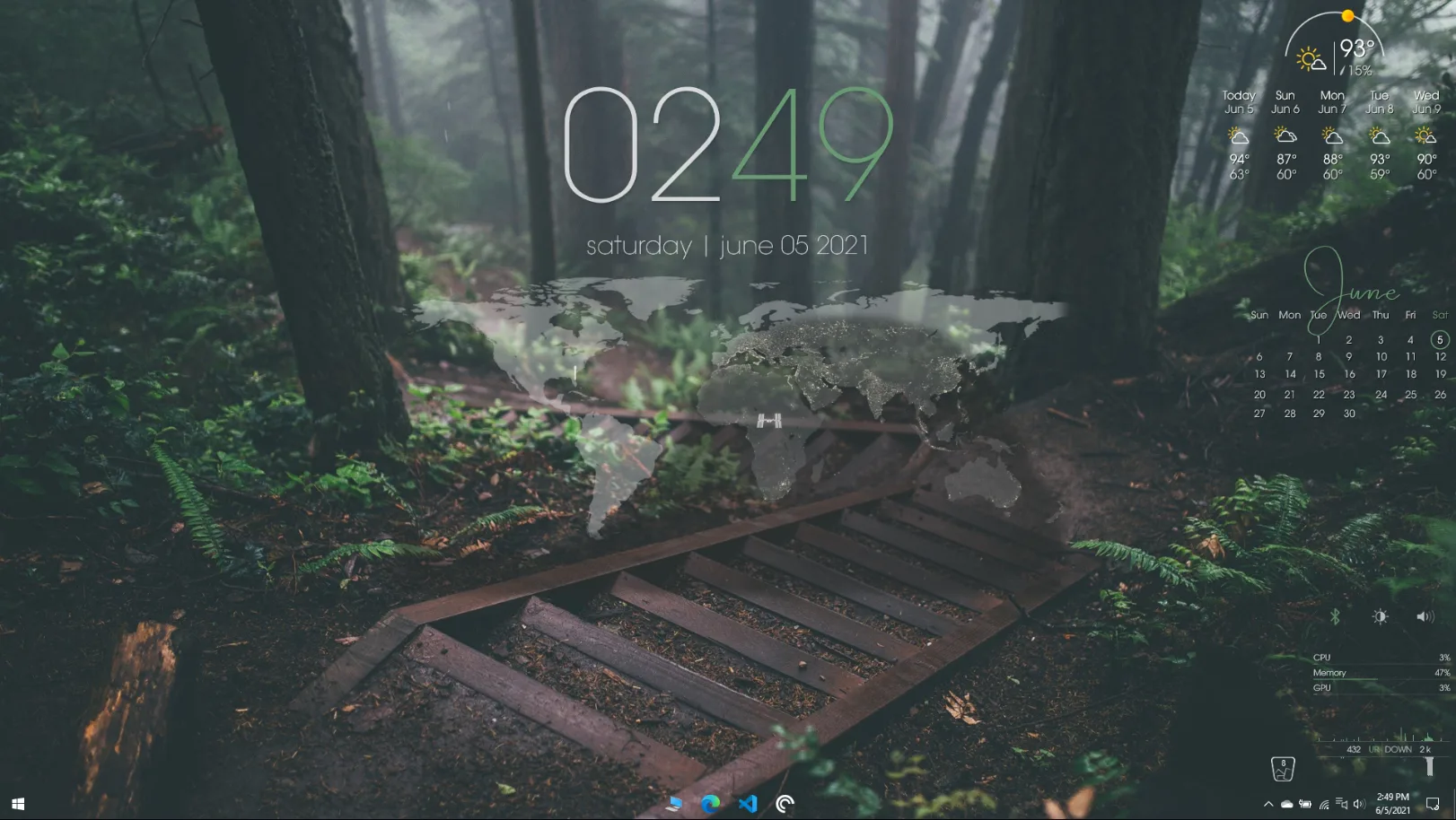
Sonder is a minimal, highly customizable Rainmeter suite with clock, weather, ca...
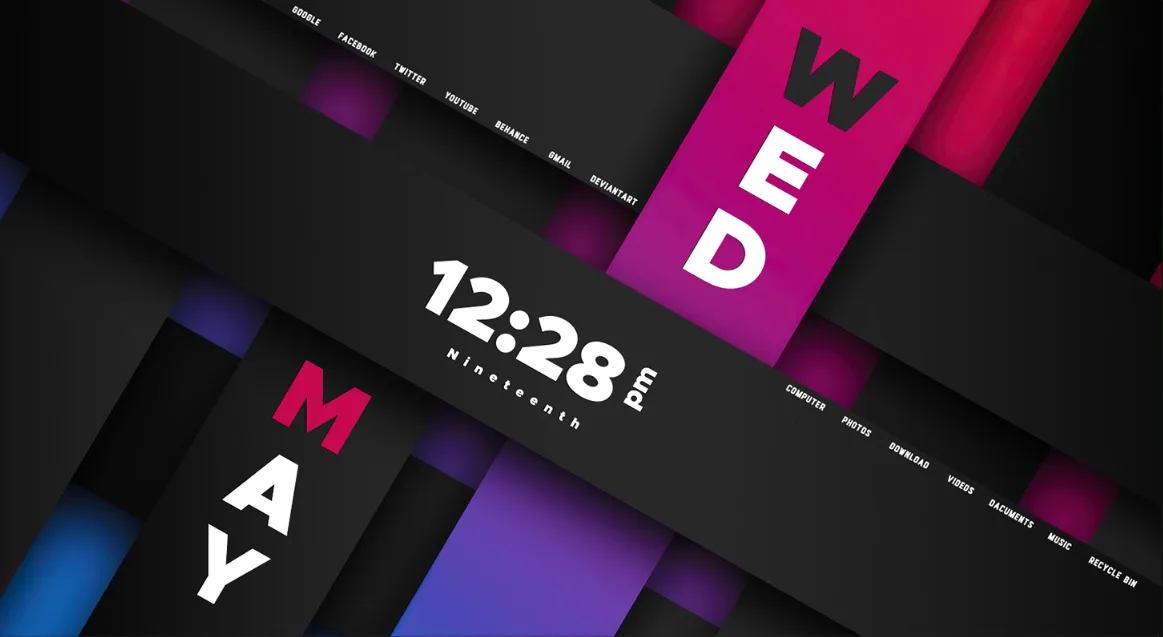
Rib-on is a sleek, ribbon-style clock skin by vinithkumar that wraps time, date,...
Best Rainmeter Clock Skins
From ultra-minimal digital clocks to elaborate analog designs — these are the most downloaded clock skins.
★ Featured Summit is a modern, minimal Rainmeter suite by aohiocawhda that keeps your deskt...
★ Featured A clean Rainmeter skin with a modern desktop layout and useful everyday widgets....
★ Featured A Spider-Man themed Rainmeter skin with a red-and-black look. The DeviantArt lis...
Sonder is a minimal, highly customizable Rainmeter suite with clock, weather, ca...
Best Audio Visualizer Skins
Real-time music visualizers that react to your audio. The most visually stunning skins in the gallery.
★ Featured Summit is a modern, minimal Rainmeter suite by aohiocawhda that keeps your deskt...
★ Featured A Spider-Man themed Rainmeter skin with a red-and-black look. The DeviantArt lis...
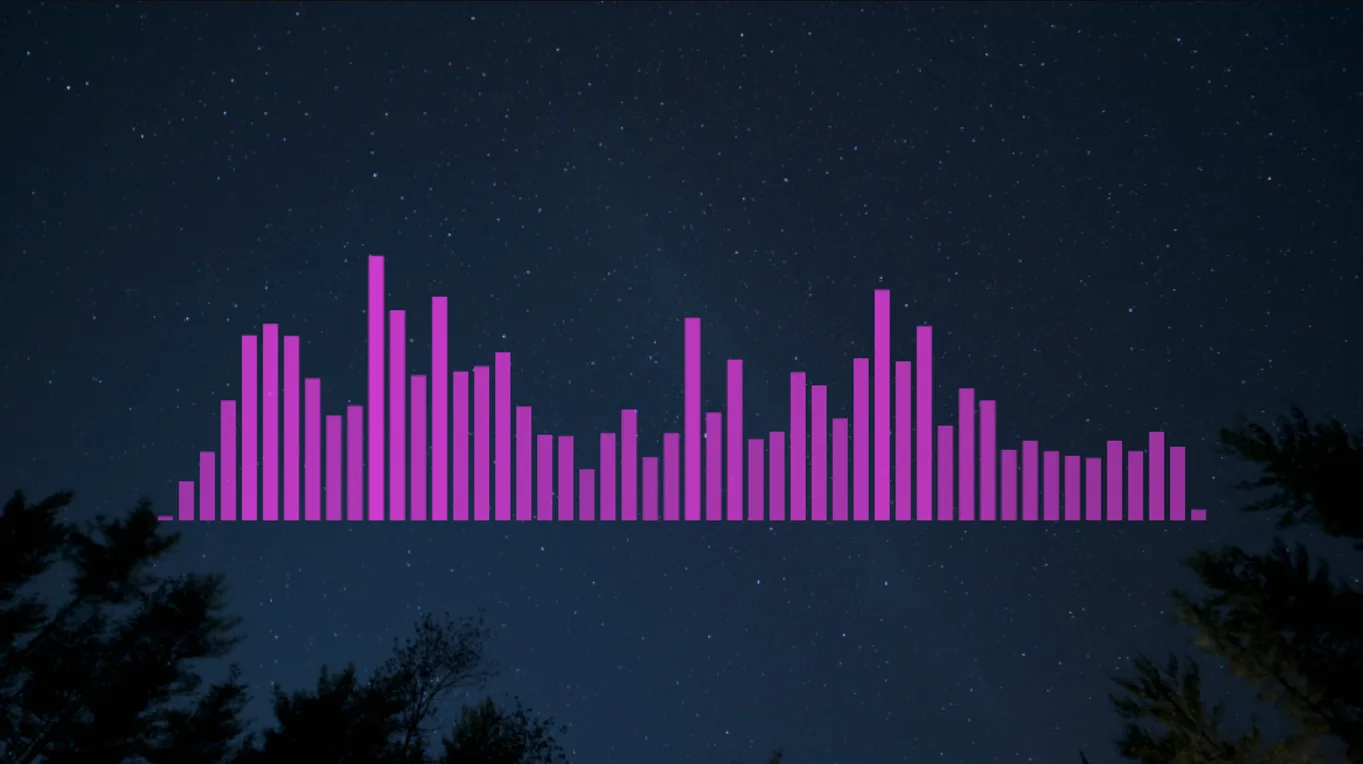
A real-time FFT music visualizer with scalable bars and colors. It is made for R...
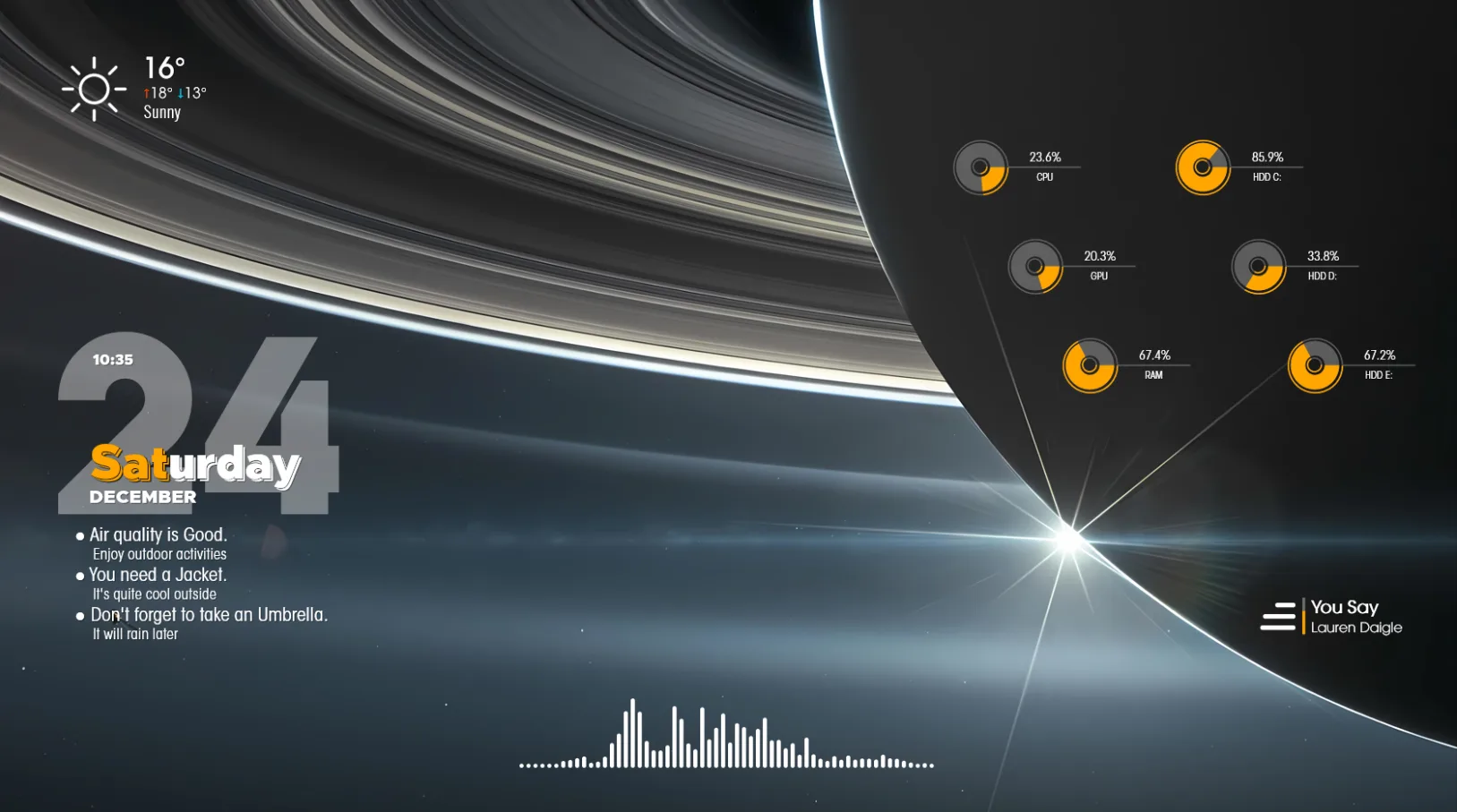
Restona is a modern, minimal Rainmeter suite with a clean clock, real-time weath...
Best Weather Widget Skins
Live weather skins showing temperature, conditions and forecast directly on your Windows desktop.
★ Featured Summit is a modern, minimal Rainmeter suite by aohiocawhda that keeps your deskt...
★ Featured A clean Rainmeter skin with a modern desktop layout and useful everyday widgets....
Sonder is a minimal, highly customizable Rainmeter suite with clock, weather, ca...
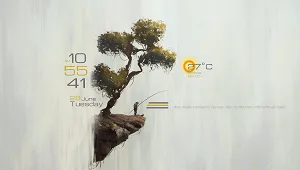
A soft, minimal Rainmeter desktop skin with a light background and simple widget...
Best Anime Rainmeter Skins
Anime-themed Rainmeter suites — from Genshin Impact to original character designs.
No Best Anime Rainmeter Skins yet — check back soon.
Browse all skins →Best Gaming Desktop Skins
RGB-inspired, neon HUD and futuristic skins built for gaming setups and battlestations.
No Best Gaming Desktop Skins yet — check back soon.
Browse all skins →How to Install Rainmeter Skins
- Download the .rmskin file from any skin page on RainmeterPRO.
- If you don't have Rainmeter yet, install it from rainmeter.net — it's free and takes under 2 minutes.
- Double-click the downloaded .rmskin file — the Rainmeter Skin Installer opens automatically.
- Click Install.
- Right-click the Rainmeter tray icon → Manage → find your skin → click Load.
Frequently Asked Questions
Yes — every skin listed on RainmeterPRO is free to download. Rainmeter itself is also free and open source.
Yes. Rainmeter is fully compatible with Windows 7, 8, 10, and 11 (both 32-bit and 64-bit).
Barely, if at all. Rainmeter typically uses 15–40MB of RAM with multiple skins loaded — less than a browser tab. Audio visualizer skins use slightly more CPU when music is playing.
System monitor suites, JARVIS-style interfaces, and minimalist clock skins consistently attract the most downloads. Browse our Most Downloaded section to see what's trending now.
Use the category navigation above. We have sections for anime, gaming, minimal, visualizers, clocks, weather, system monitors, and more.
Ready to Transform Your Desktop?
Browse the full RainmeterPRO gallery — hundreds of free skins across every style and function, all curated and ready to install.