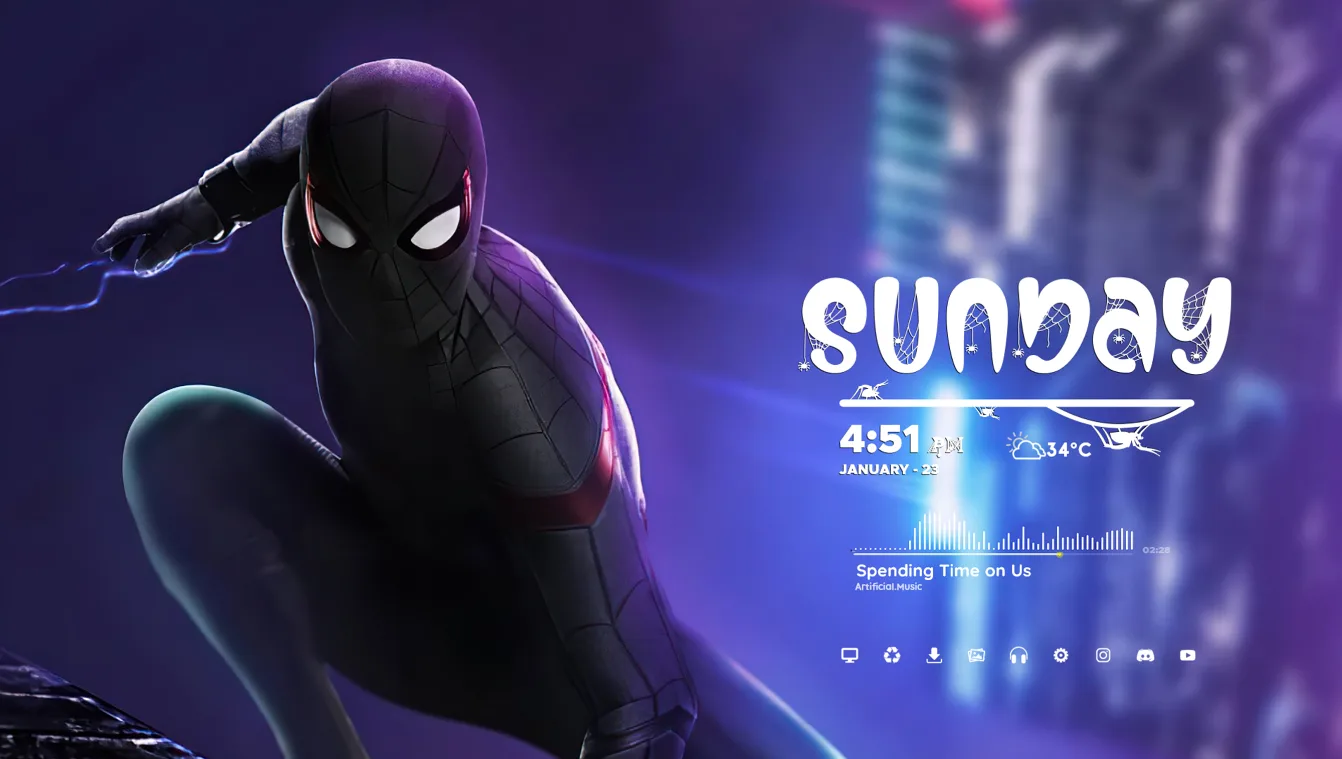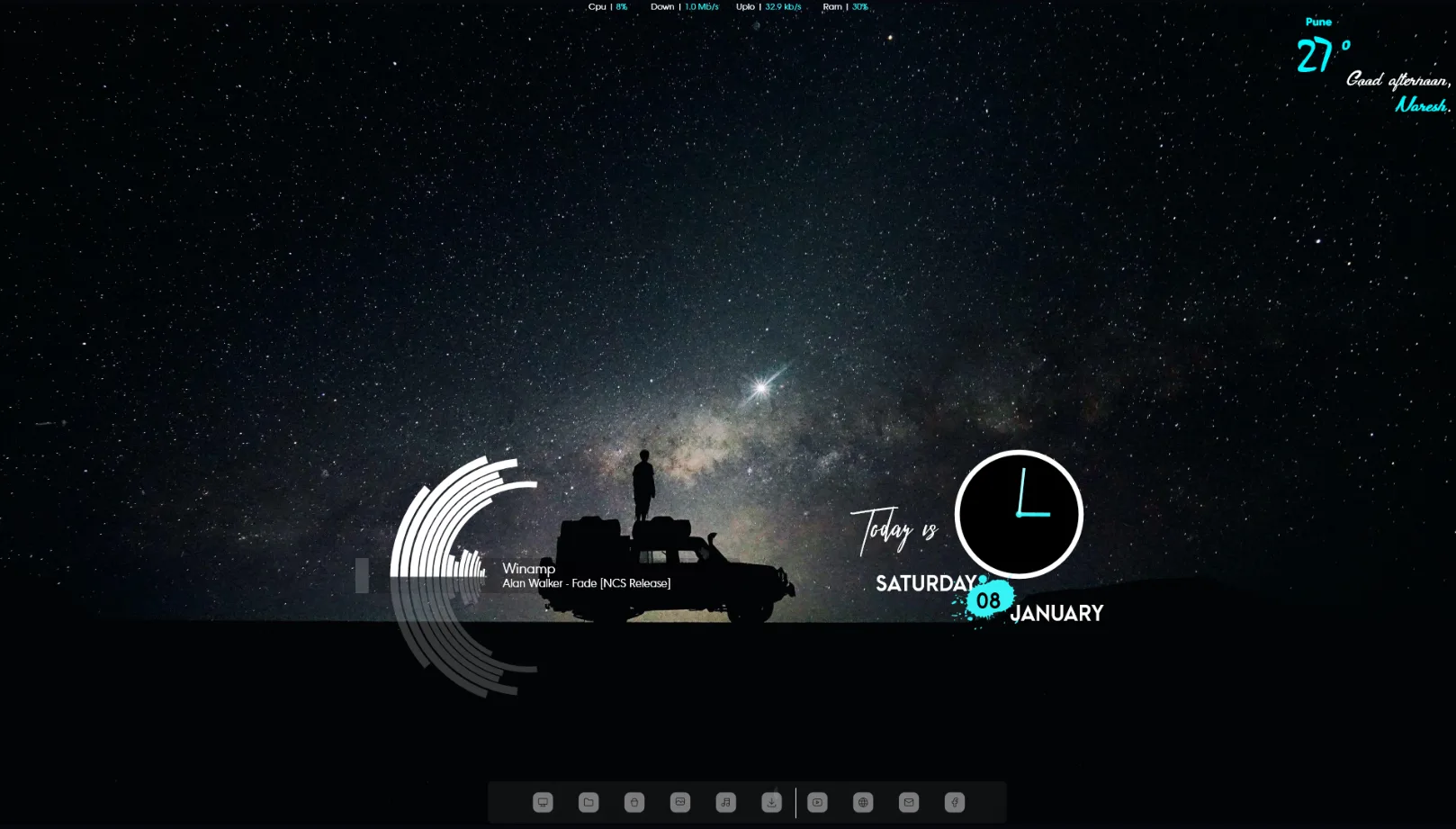
Night Travel Theme to Window 10! is a desktop customization project by TechGuyNaresh. The DeviantArt release presents a Windows 10 theme setup using Rainmeter skins and is shared as a video-based customization post.
This project may help users who want to recreate a themed Windows 10 desktop with Rainmeter. However, the original page does not clearly identify the included clock, weather, system, or launcher widgets, so those details are not specified by the author.
What's Included
- Windows 10 theme setup – a themed desktop presentation for Windows 10
- Rainmeter skins – Rainmeter-based desktop customization elements shown in the setup
- Video presentation – demonstrates the theme and desktop arrangement
Who Is This Skin For?
Night Travel Theme to Window 10! may suit students and office users in the USA who want to try a themed Windows 10 desktop. It can also interest gamers and customization fans who prefer to follow a complete setup rather than install a single standalone widget.
Because the author does not list the exact Rainmeter components, check the release video and download files before installing the setup.
Requirements
- Rainmeter: Version not specified by the author.
- OS: Windows 10 / Windows 11
- Plugins: Not specified by the author.
How to Install
- Download the skin from DeviantArt
- Open the .rmskin file
- Click install
- Load the skin from Rainmeter
Tip: Check whether the download includes separate wallpaper, theme, or Rainmeter files before installing. If Rainmeter components do not appear, open Rainmeter and use Refresh all.
About the Author
TechGuyNaresh is a DeviantArt creator who shares Windows desktop themes, Rainmeter setups, and customization videos. Their work focuses on showing complete desktop arrangements rather than only individual widgets.
View the original release and more work: Night Travel Theme to Window 10! by TechGuyNaresh on DeviantArt