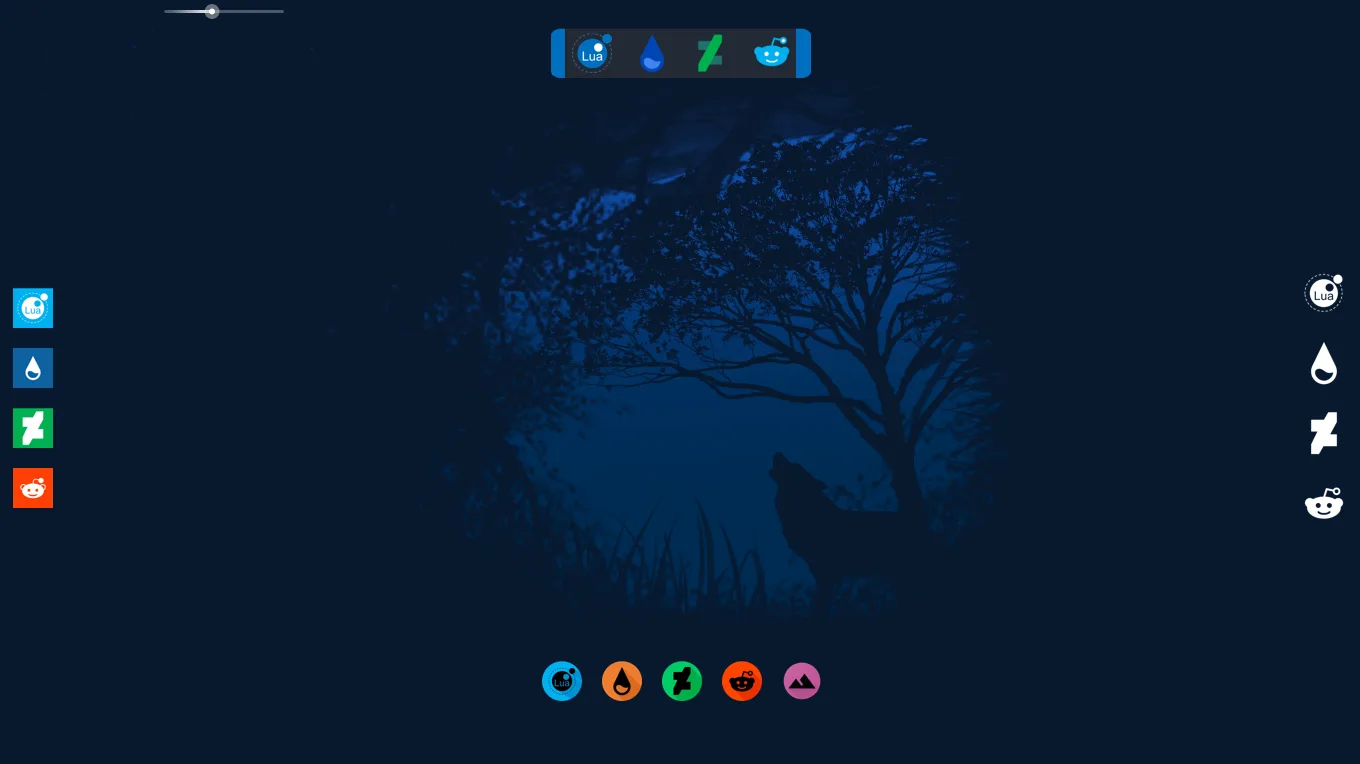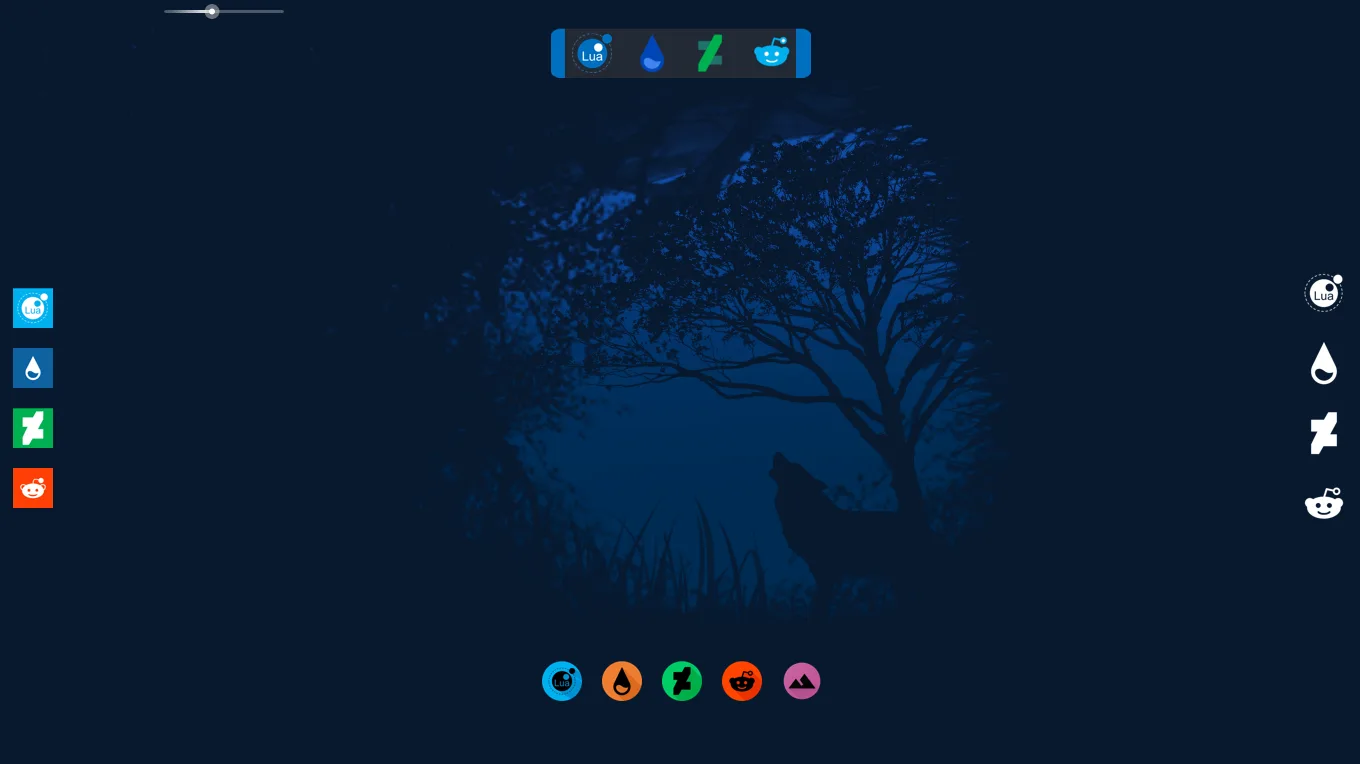
RDock 2.0 is a highly functional application launcher created by fernandoaleisy that brings a macOS-style dock to your Windows desktop. It gives your screen a tidy, organized look while keeping your most-used apps just a click away.
The design philosophy is centered around convenience and clean aesthetics. What makes it stand out is its simplicity; it replaces desktop clutter with a streamlined, central hub that blends well with almost any wallpaper.
What's Included
- Application Dock — A centered launcher bar for your favorite software shortcuts.
- Custom Icons — Included icon pack with the ability to easily swap in your own custom icons.
- Settings Interface — A configuration file to adjust the dock size, spacing, and application paths.
Who Is This Skin For?
This skin is ideal for users who want to clear their desktop of messy shortcut icons. If you love the look of the Mac dock or just need a quick, attractive way to open your programs, this is a perfect fit.
Requirements
- Rainmeter 4.3 or newer
- Windows 10 or Windows 11
How to Install
- Download the .rmskin file from the DeviantArt page.
- Double-click the downloaded file to open the Rainmeter Skin Installer.
- Click "Install" to load the skin onto your desktop.
- Right-click the dock icons to edit the paths so they launch your specific programs.
A quick tip: When setting up your own shortcuts, make sure to find the exact file path to the program's ".exe" file. If an icon isn't working, double-check that the path in the settings text file has quotation marks around it if there are spaces in the folder names.
About the Author
FernandoAleisy is a skilled Rainmeter creator who focuses on building practical, visually appealing desktop utilities and docks.
View the original release and all of fernandoaleisy's work on DeviantArt: RDock 2.0 by fernandoaleisy on DeviantArt