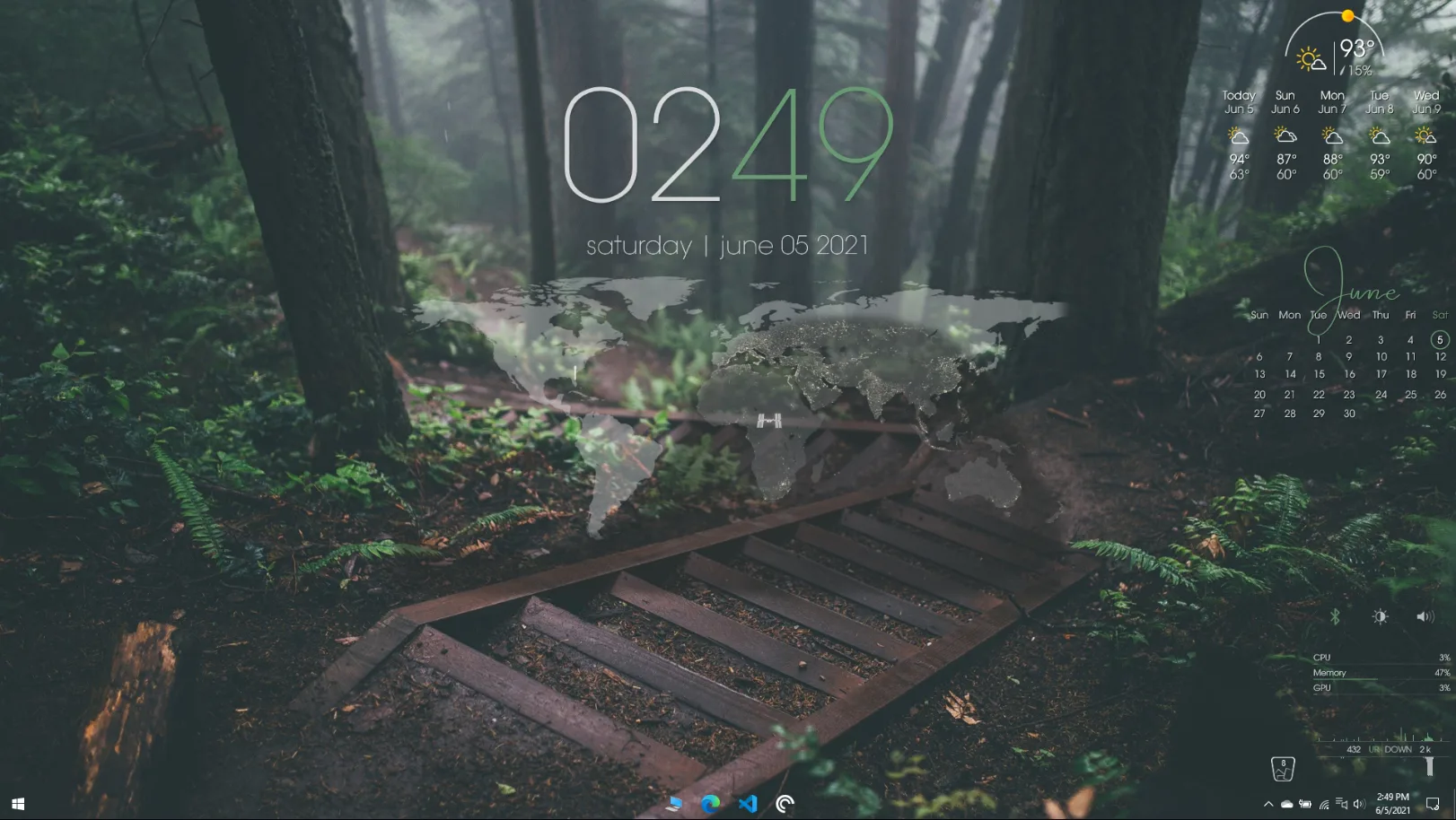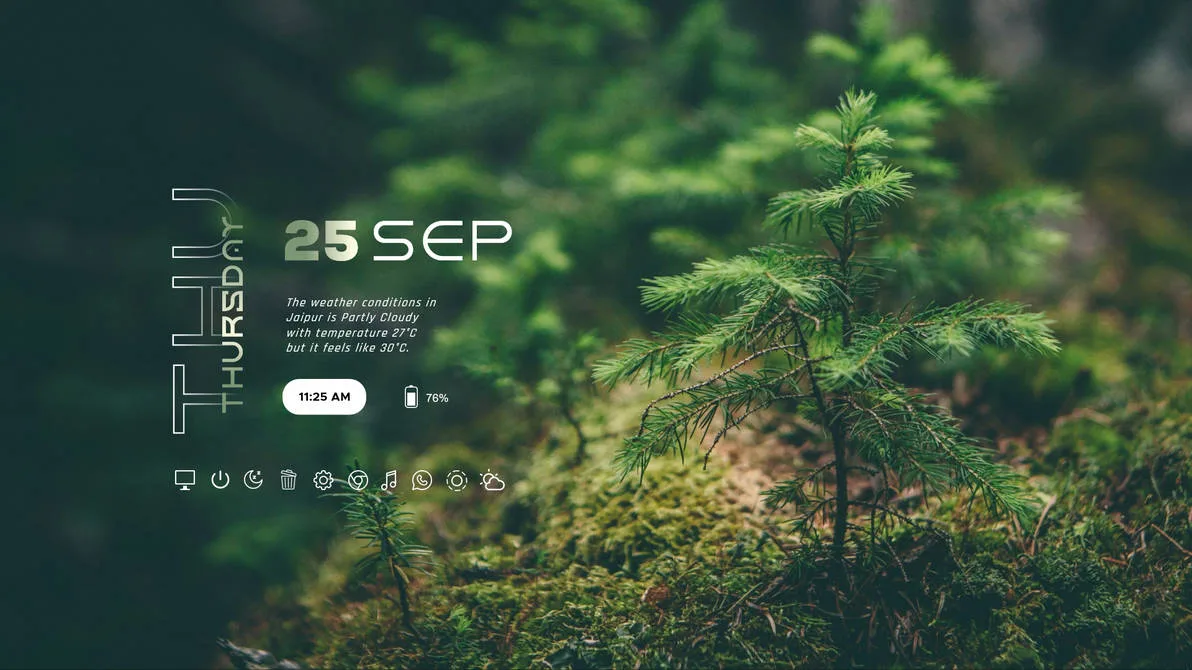
Sylva is a Rainmeter desktop skin created by aohiocawhda — one of the most popular skin designers on DeviantArt with tens of thousands of downloads across their work.
The name says it all. Sylva means forest, and that's exactly the vibe this skin goes for — calm, green, grounded, and clean. If you're tired of neon-lit gaming setups or cold techy interfaces and just want your desktop to feel a bit more peaceful, this one's for you.
The design follows aohiocawhda's signature style: no heavy borders, no clutter, just soft floating elements that sit neatly on top of your wallpaper. Everything feels like it belongs there rather than being forced on.
What's Included
- Clock & Date Widget — clean, easy-to-read typography that doesn't take up much space
- Weather Widget — shows live temperature and current conditions pulled from the internet
- System Monitor — keeps an eye on your CPU and RAM usage without being intrusive
- Music Player Widget — works with Spotify and web-based players (requires the free WebNowPlaying plugin)
- Wallpaper Included — the static wallpaper from the preview is bundled inside the skin folder so you can recreate the exact look instantly
Who Is This Skin For?
Sylva is a great pick if you love nature aesthetics, minimal setups, or just want a desktop that looks good without spending an hour configuring things. It pairs beautifully with forest, landscape, and earthy-toned wallpapers. Works great on both laptops and desktops.
Requirements
- Rainmeter 4.0 or higher
- Windows 10 or Windows 11 (also compatible with Windows 7 and 8)
- WebNowPlaying plugin (free) — only needed if you want the music player widget to work
How to Install Sylva
- Click the Download button above to get the
.rmskinfile - Double-click the downloaded file — a Rainmeter installer window will appear
- Click Install
- Open Rainmeter and go to Manage
- Find Sylva in the Skins list, then click Load
- The skin appears on your desktop straight away — drag it wherever you like
If the music player isn't showing your track, make sure the WebNowPlaying skin is installed and your browser extension is active. Everything else works right out of the box.
About the Author
aohiocawhda is one of DeviantArt's most downloaded Rainmeter skin creators, known for clean minimalist setups with nature-inspired and aesthetic themes. Their skins consistently sit at the top of the Rainmeter community charts.
View the original release and all of aohiocawhda's work on DeviantArt: Sylva by aohiocawhda on DeviantArt