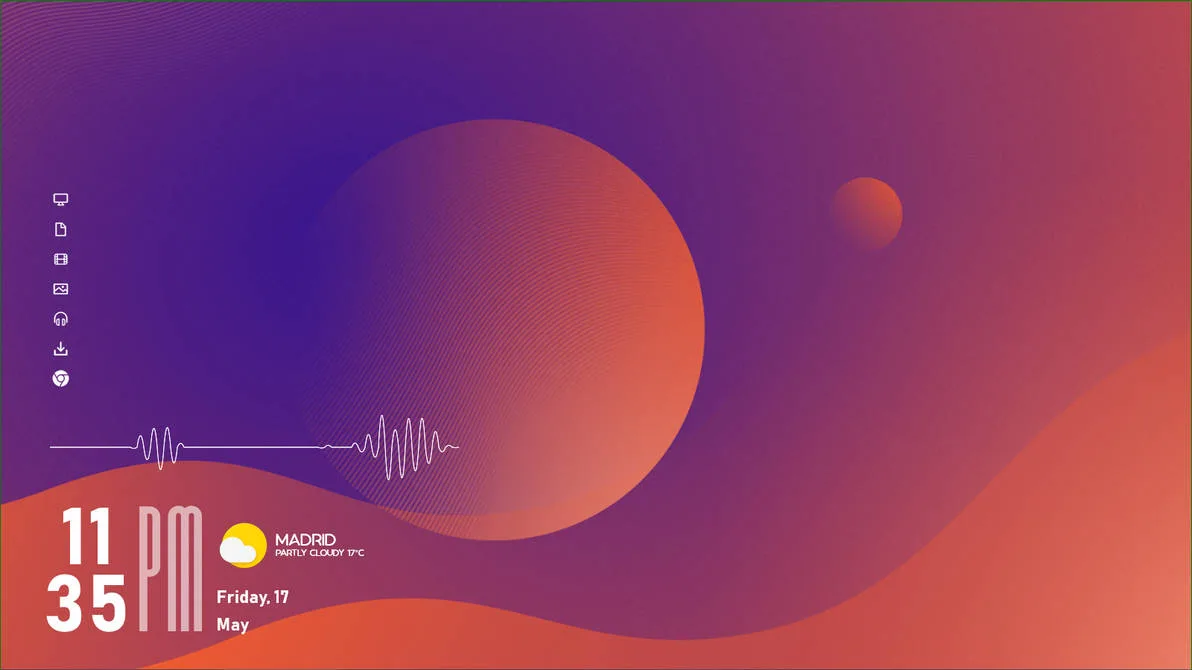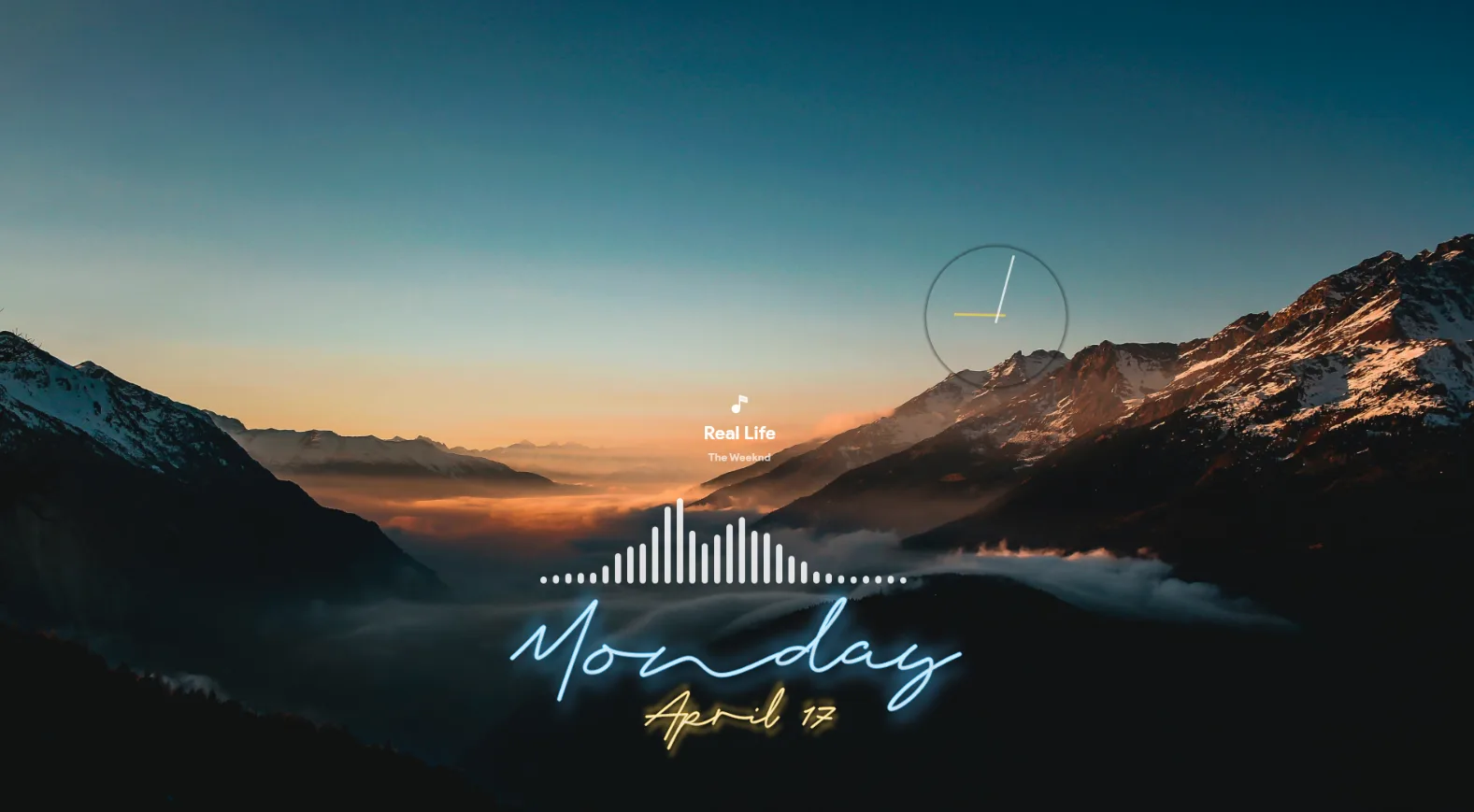
Neon Improved is a Rainmeter skin by mrsteveryan with a neon-inspired desktop style. The release is shared on DeviantArt, but the available public info does not clearly confirm extra details like version or included widgets.
It is best for users who want a simple neon desktop setup without a crowded layout. Since the confirmed feature list is limited from the public listing, the description stays focused on the verified release information only.
What's Included
- Not specified by the author. – The public listing does not clearly confirm individual widgets.
Who Is This Skin For?
This skin is a good fit for people who want a neon look on a Windows desktop. It can work well for students, gamers, or office users who prefer a cleaner custom setup. The style is simple enough for everyday use without feeling too busy.
Requirements
- Rainmeter: Not specified by the author.
- OS: Windows 10 / Windows 11
- Plugins: Not specified by the author.
How to Install
- Download the skin from DeviantArt
- Open the .rmskin file
- Click install
- Load the skin from Rainmeter
Tip: If the skin does not appear right away, refresh Rainmeter once after installation.
About the Author
mrsteveryan shares Rainmeter work on DeviantArt. The style shown here suggests a preference for neon desktop designs with a clean visual feel.
View the original release and more work: Neon Improved by mrsteveryan on DeviantArt