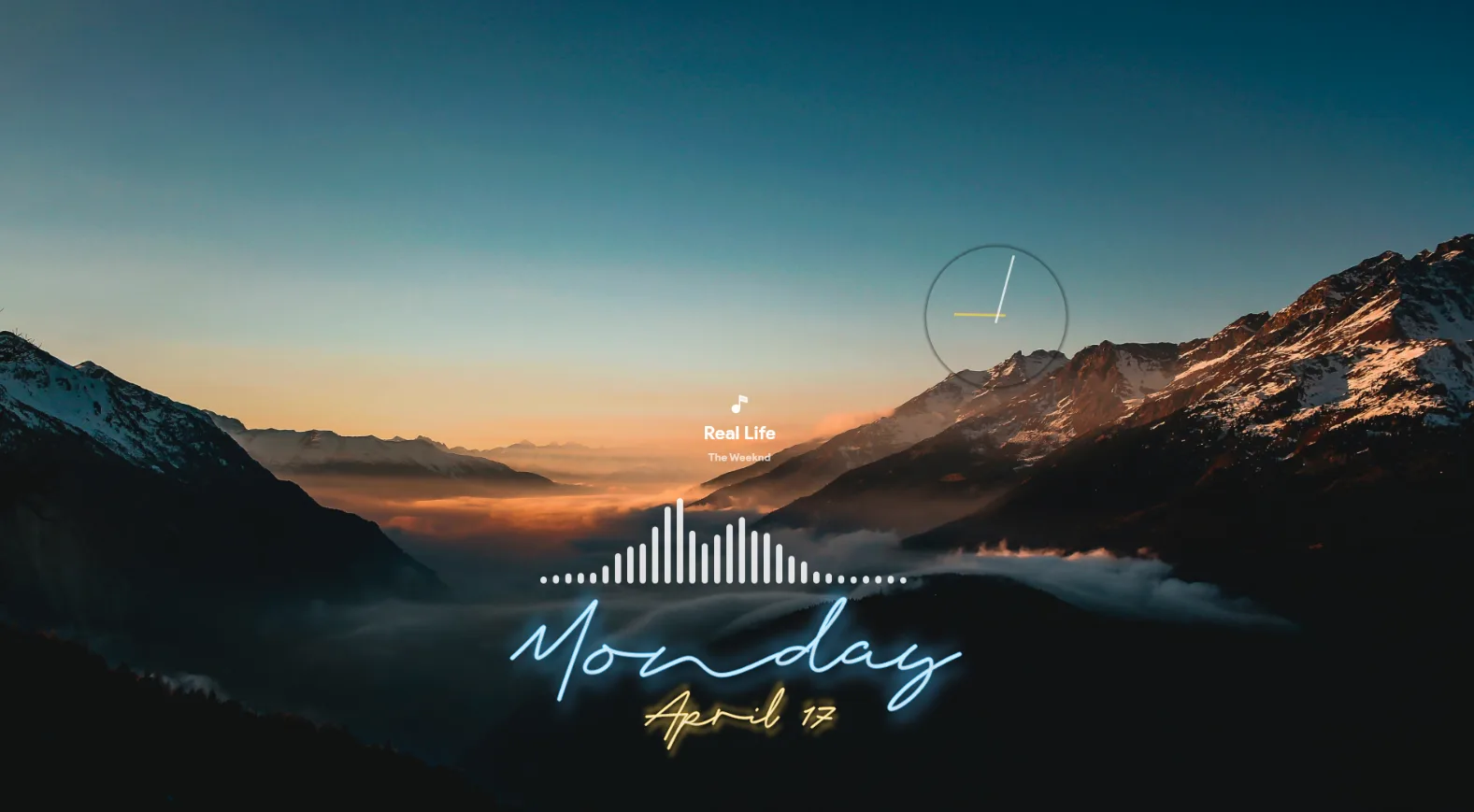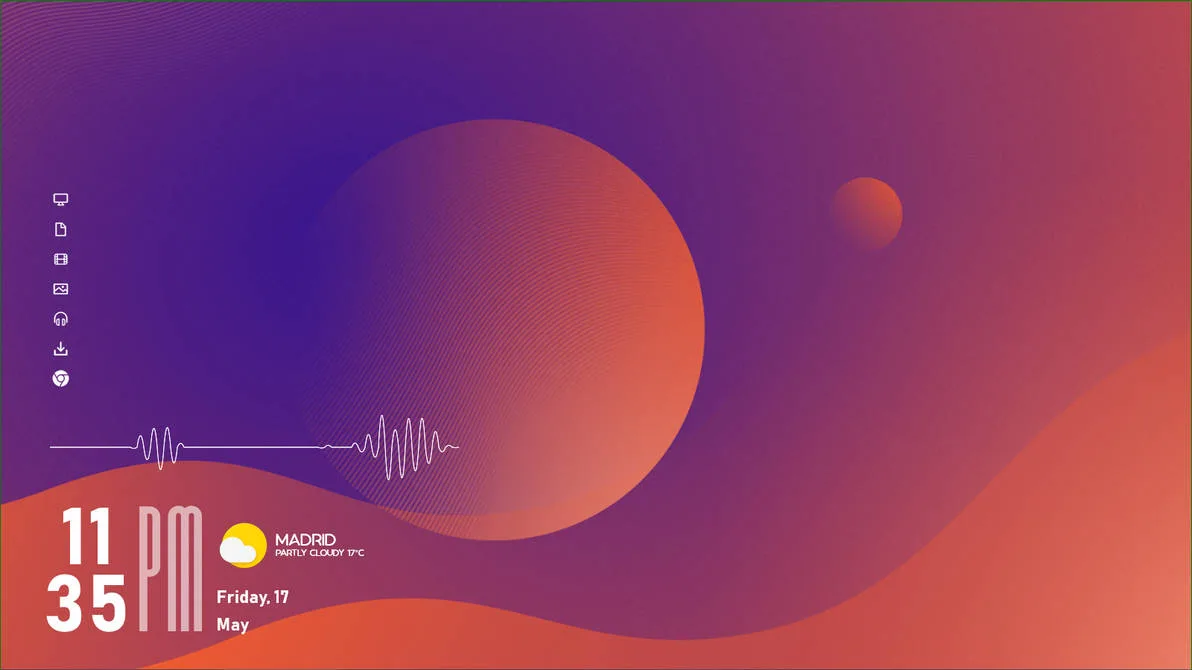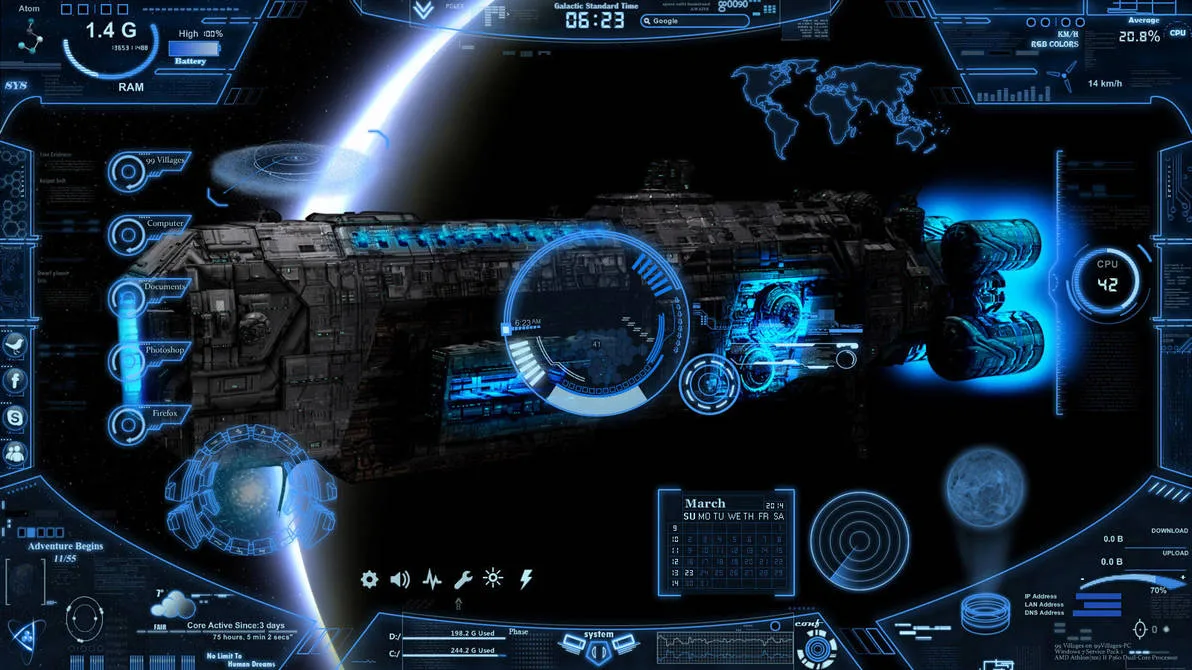
Neon Space is a complete Rainmeter suite created by 99villages, a UI designer and medical student based in Europe. The skin transforms your Windows desktop into something that looks lifted from a sci-fi film — glowing neon panels, scrolling text effects, and a deep space-inspired colour palette that sits somewhere between a holographic HUD and a space station control room.
What makes Neon Space stand out from most themed skins is how thoroughly it covers the desktop. Most Rainmeter skins give you one or two widgets with a consistent style. Neon Space gives you an entire ecosystem — every major widget type you'd want is here, designed to work together as a unified setup. The 3D glassy text effects and animated glow elements are the visual centrepiece, and the skin has been actively maintained and updated since 2014, with weather API fixes, new colour presets, and resolution improvements added over the years.
What's Included
- Clock & Date — Live time and date display rendered in the skin's neon HUD style.
- Weather Widget — Current conditions and forecast pulled live from the web. Requires a one-time API setup (instructions included).
- CPU Monitor — Real-time CPU usage displayed as a glowing readout panel.
- RAM Monitor — Live RAM usage in the same HUD style.
- HDD / Disk Space — Disk usage display for your primary drive.
- Network Monitor — Live upload and download speed readout.
- Battery Indicator — Battery level display — particularly useful for laptop users.
- Music Player — A media player widget styled like a digital key. Works with Spotify, Windows Media Player, and compatible players via the NowPlaying plugin. VLC is not natively supported.
- Notes Pad — A to-do list / sticky note widget for jotting down quick reminders directly on your desktop.
- App Launcher — A panel for pinning shortcuts to your most-used apps, folders, and web links.
- Recycle Bin Monitor — Shows how much clutter is sitting in your recycle bin and lets you empty it from the widget.
- Neon Lights & Glow Skins — Decorative accent panels and glow overlays added in v4.0 that enhance the sci-fi atmosphere without displaying data.
Who Is This Skin For?
Neon Space is a good fit for anyone who wants a complete, themed desktop overhaul rather than a minimal setup with one or two widgets. It suits gamers, sci-fi fans, and anyone who enjoys a high-tech aesthetic on their PC. If you want your desktop to look like a movie prop and don't mind spending 15–20 minutes on initial setup, this skin delivers.
Requirements
- Rainmeter — Version 4.0 or later (latest version recommended)
- Windows — Windows 7, 10, or 11 (32-bit and 64-bit supported)
- ImageMagick — Required for certain visual effects within the skin. The author provides a setup tutorial on their site.
- Weather API key — Required for the weather widget to display live data. Free to obtain; setup instructions are included.
How to Install
- Download the
.rmskinfile from the DeviantArt page linked below. - Make sure Rainmeter is already installed and running — you should see its icon in the system tray near your clock.
- Double-click the downloaded
.rmskinfile. A Rainmeter installer window will open automatically. - Click Install. The skin files are now in your Rainmeter library.
- Right-click the Rainmeter tray icon and click Manage.
- In the Skins tab, find the Neon Space folder. Open it and click the
.inifile for the widget you want to load, then click Load. - Repeat for each widget — clock, weather, CPU monitor, and so on — positioning each one by dragging it to where you want it on screen.
- Set up the weather widget by following 99villages' weather tutorial at 99villages.com/neon-space-tutorials.
Heads up: The music player widget works with Spotify, Windows Media Player, and similar apps that use Rainmeter's NowPlaying plugin. VLC Media Player is not natively supported — if you use VLC for music, you'll need to either switch to a compatible player or look into the WebNowPlaying plugin as a workaround. Also, ImageMagick needs to be installed separately for some of the glow effects to render correctly — 99villages has a short video tutorial for this on their site.
About the Author
99villages is a UI and graphics designer based in Europe who has been building Rainmeter skins on DeviantArt since 2014. Their work centres on sci-fi and futuristic interface aesthetics, with Neon Space being their flagship project — now on version 4.0 after a decade of active updates. They also make Glass Shards and Origami Weather.
View the original release and all of 99villages's work on DeviantArt:
Neon Space by 99villages on DeviantArt