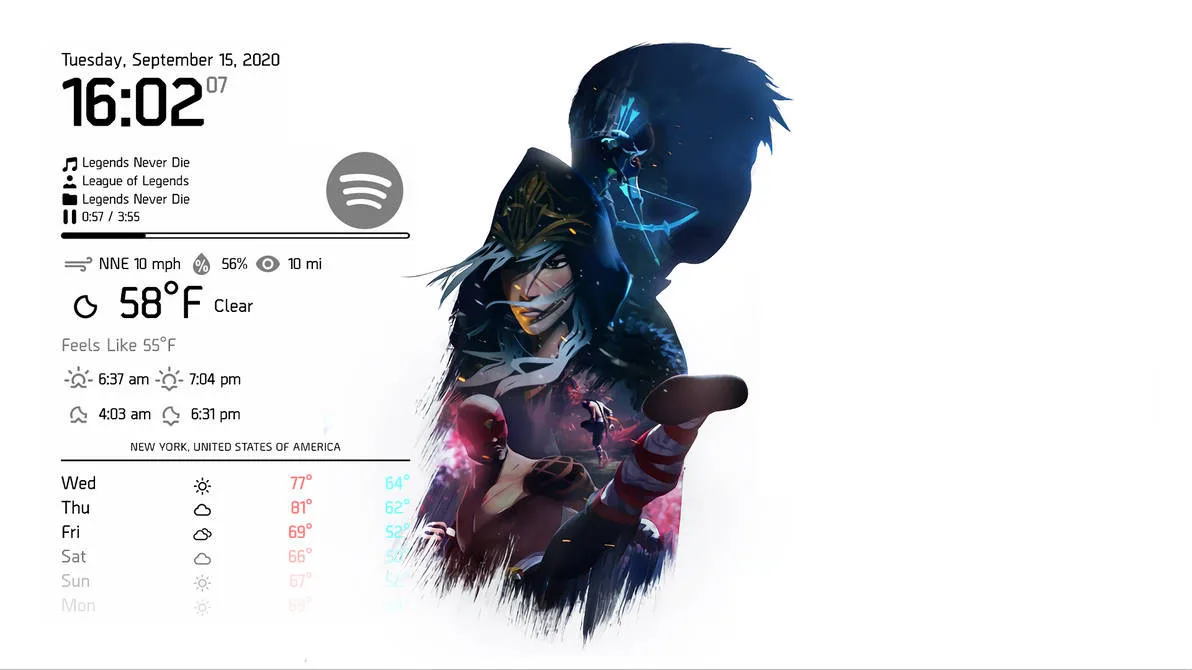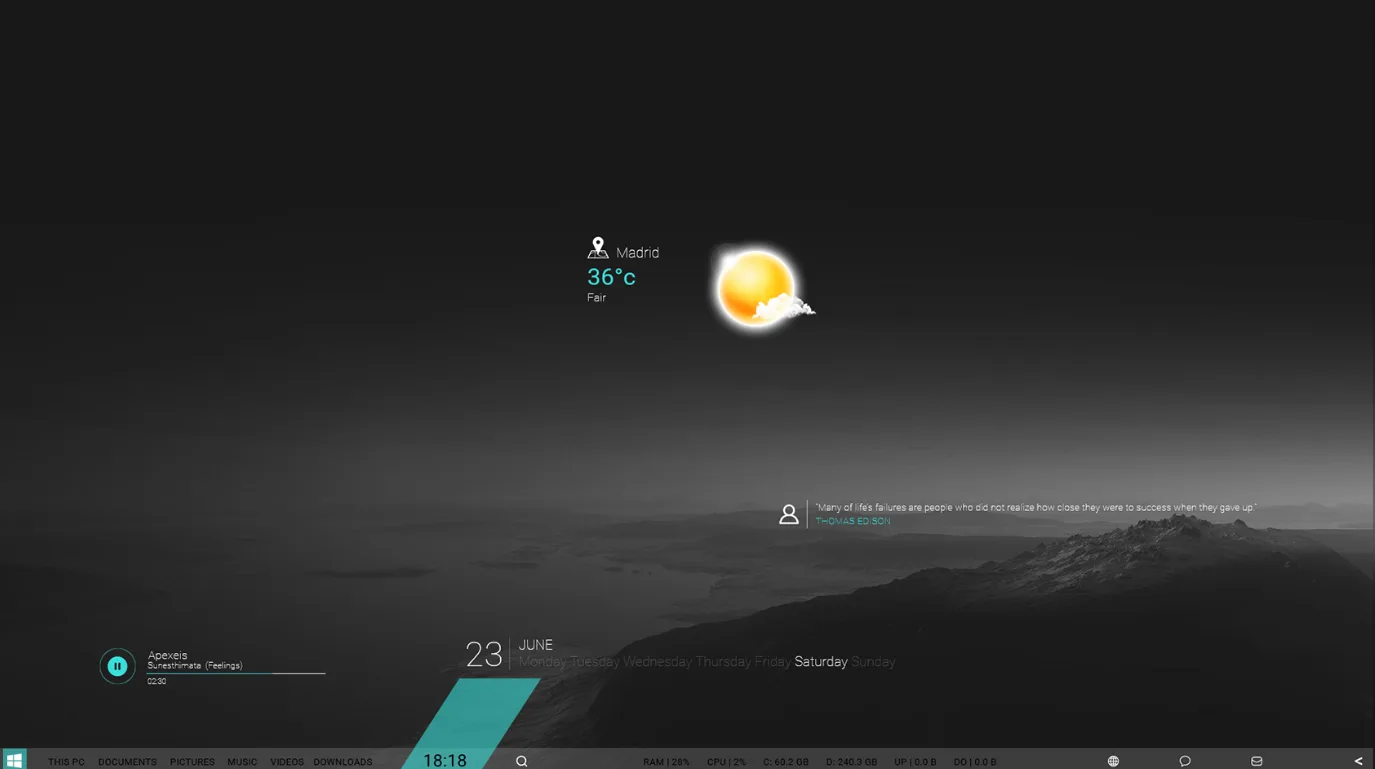
Rhazor Clock is a modern desktop clock skin for Rainmeter made by xenium-ART. It has a sharp, futuristic look with optional glass or transparent backgrounds and a compact, easy‑to‑read time display.
This skin is useful if you want a single clock that also shows quick weather info without opening a browser. You can resize it to fit small or large desktops, and you get basic forecast details like today's high/low and precipitation chance.
What's Included
- Clock – digital time display with a clean, modern style
- Weather conditions – shows current weather text/icon
- High/Low temperatures – today's expected high and low temps
- Precipitation chance – percentage for Today / Tonight
- Background variants – glass and transparent options
- Size control – you can change the skin size
Who Is This Skin For?
Rhazor Clock fits students and office users in the USA who want a tidy desktop with time and weather at a glance. It also works well for gamers or streamers who like a minimal, futuristic HUD look without clutter. The glass/transparent options help it blend with many wallpapers.
Requirements
- Rainmeter: Version not specified
- OS: Windows 10 / Windows 11
- Plugins: Not specified by the author.
How to Install
- Download the skin from DeviantArt
- Open the .rmskin file
- Click install
- Load the skin from Rainmeter
Tip: If the weather data doesn't appear, right‑click the temperature display to open the settings menu and set your location, then refresh the skin in Rainmeter.
About the Author
xenium-ART is a DeviantArt creator known for clean, practical Rainmeter designs, especially weather and clock skins. Their work often uses Weather.com data and includes simple settings for location and units.
View the original release and more work: Rhazor Clock by xenium-ART on DeviantArt