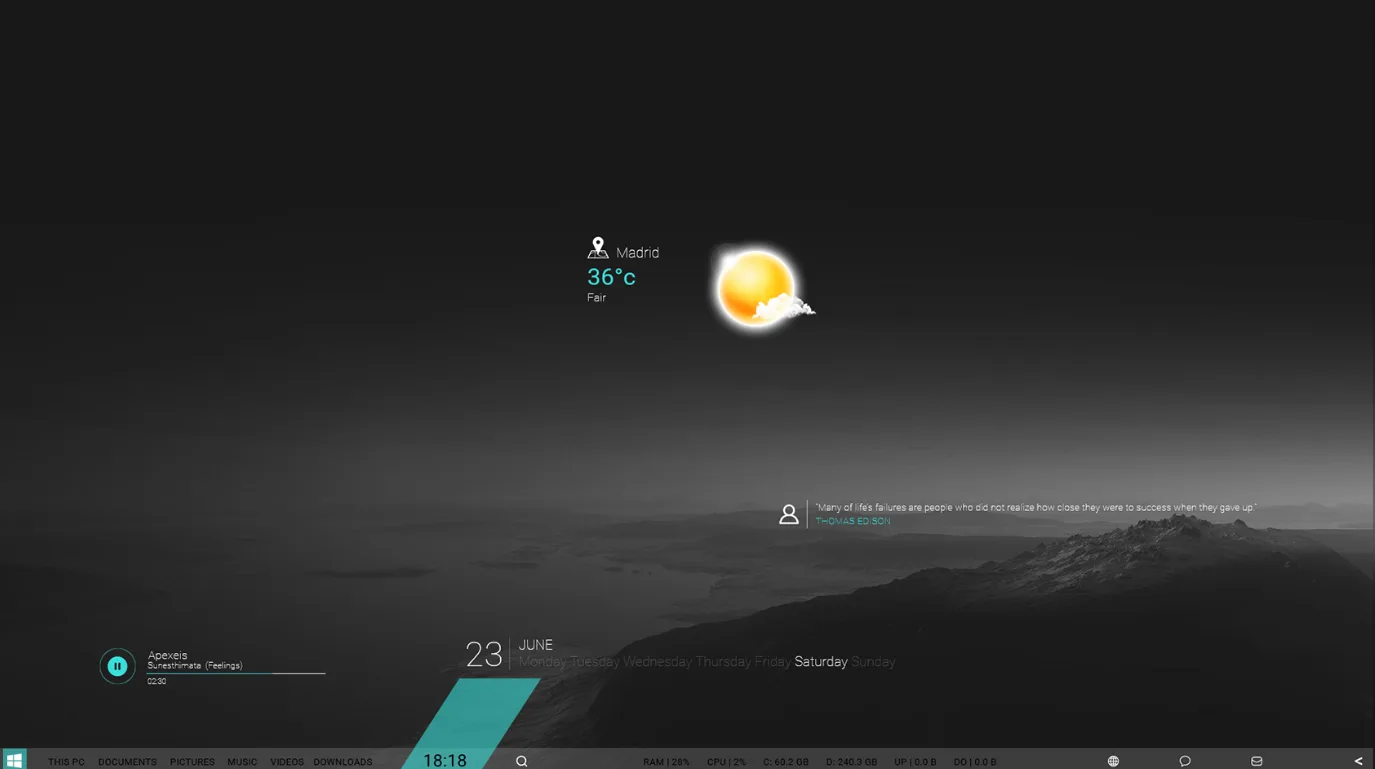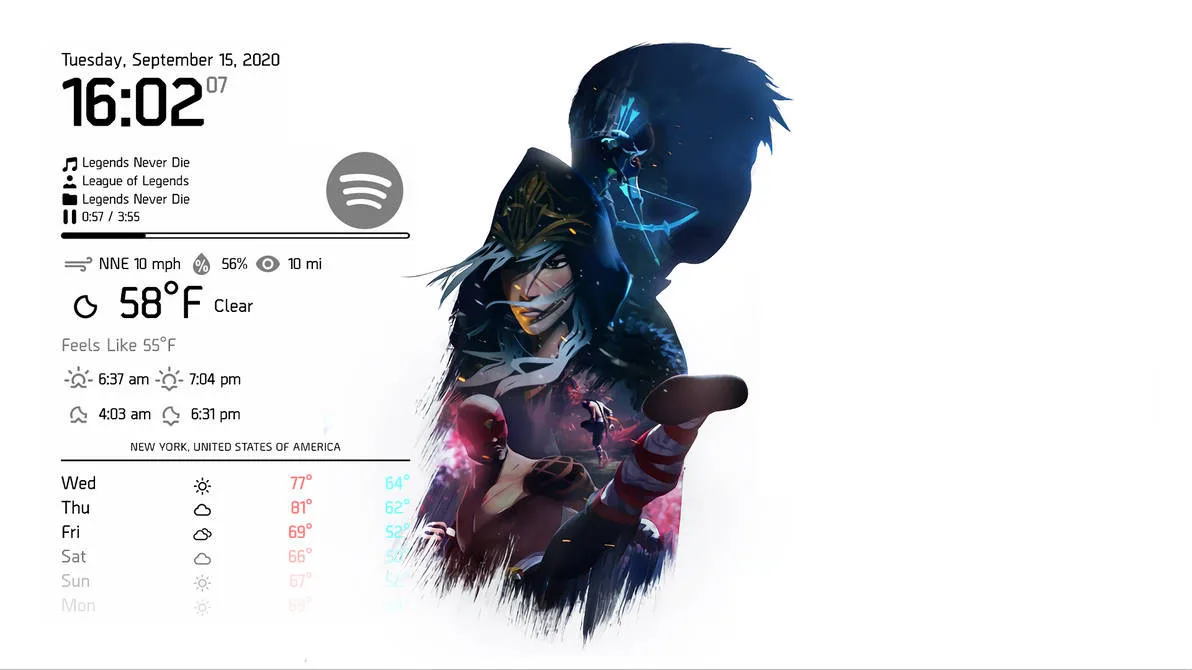
SA Suite is a Rainmeter skin by SaberAkiyama with a clean suite-style desktop layout. The DeviantArt release confirms it includes clock, Spotify media, weather, and settings-related skins.
It is useful for people who want a desktop dashboard that can show time, music, and weather in one place. The author also notes support for weather location codes, language settings, and multiple scales for the suite skins.
What's Included
- Clock – displays the current time and date.
- Spotify media player – a Spotify-only media player skin.
- Weather – a weather skin that uses location codes.
- Settings – used to set weather location, media player, language, and scales.
Who Is This Skin For?
This skin is a good fit for users who want a practical desktop setup with music and weather in one place. Students and office users may like the simple dashboard feel, while Spotify users will benefit from the built-in media skin. It also works well for people who like clear customization options.
Requirements
- Rainmeter: Beta v4.4.0 r3410 or later
- OS: Windows 10 / Windows 11
- Plugins: Not specified by the author.
How to Install
- Download the skin from DeviantArt
- Open the .rmskin file
- Click install
- Load the skin from Rainmeter
Tip: After installing, open the Settings skin and set your weather location and preferred media player before using the suite.
About the Author
SaberAkiyama shares Rainmeter suites on DeviantArt and focuses on useful, polished desktop layouts. SA Suite shows that style with a mix of practical widgets and clear setup options.
View the original release and more work: SA Suite by SaberAkiyama on DeviantArt