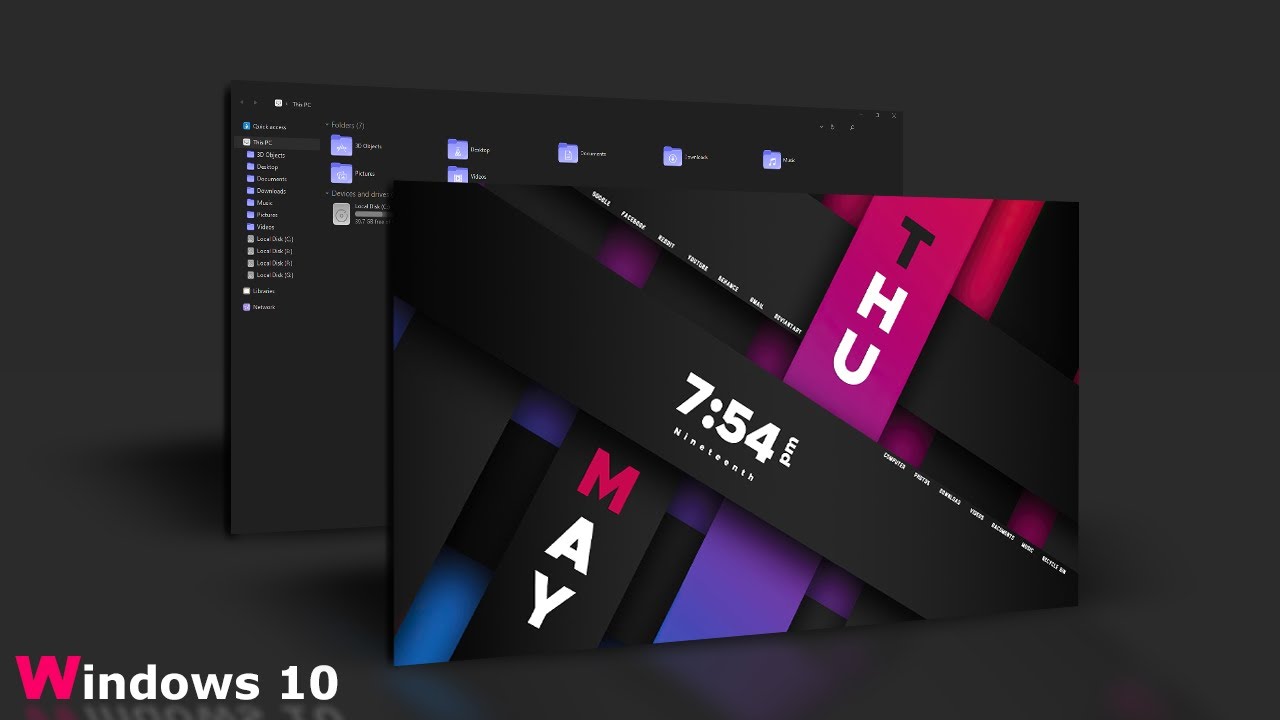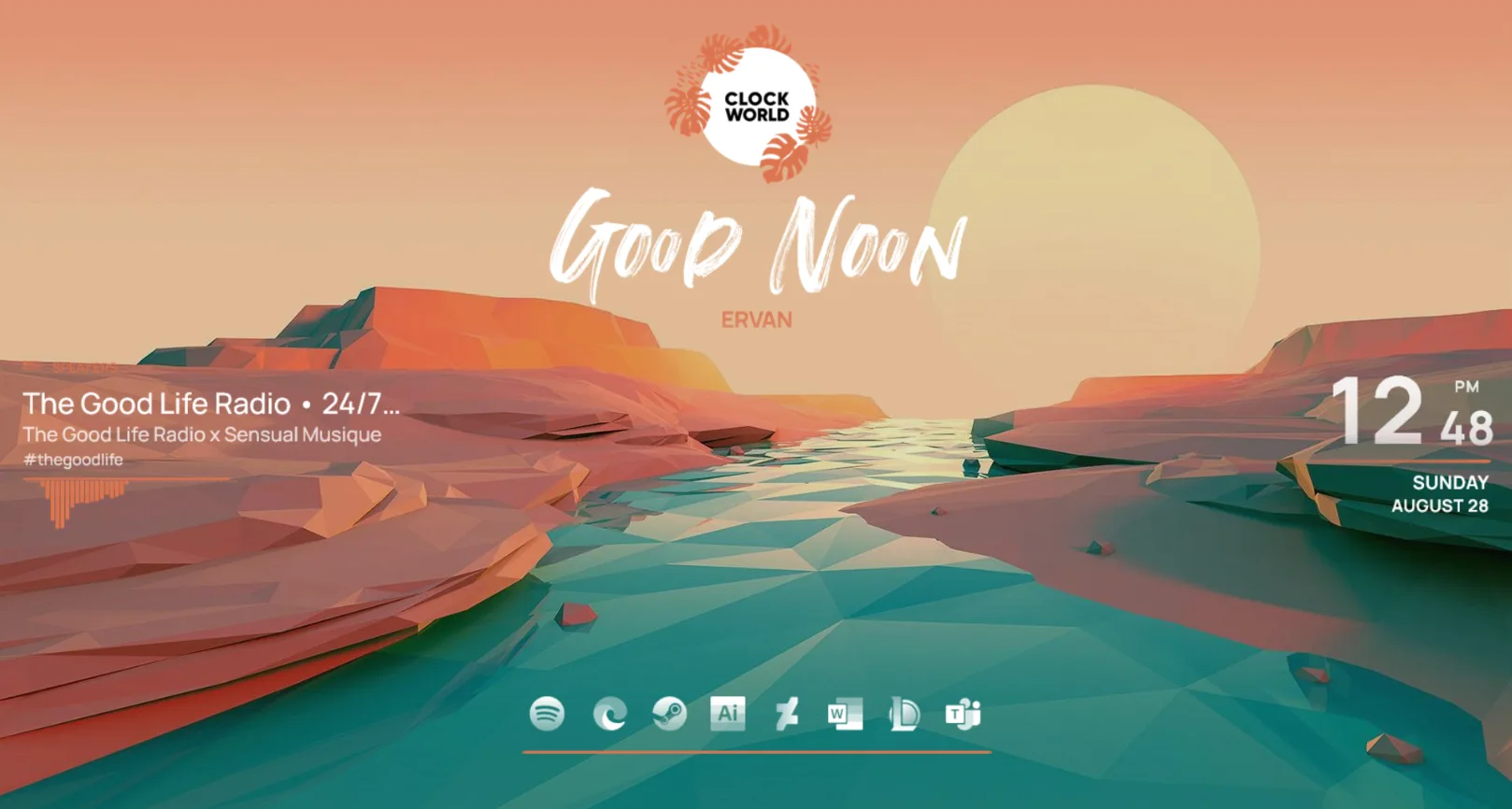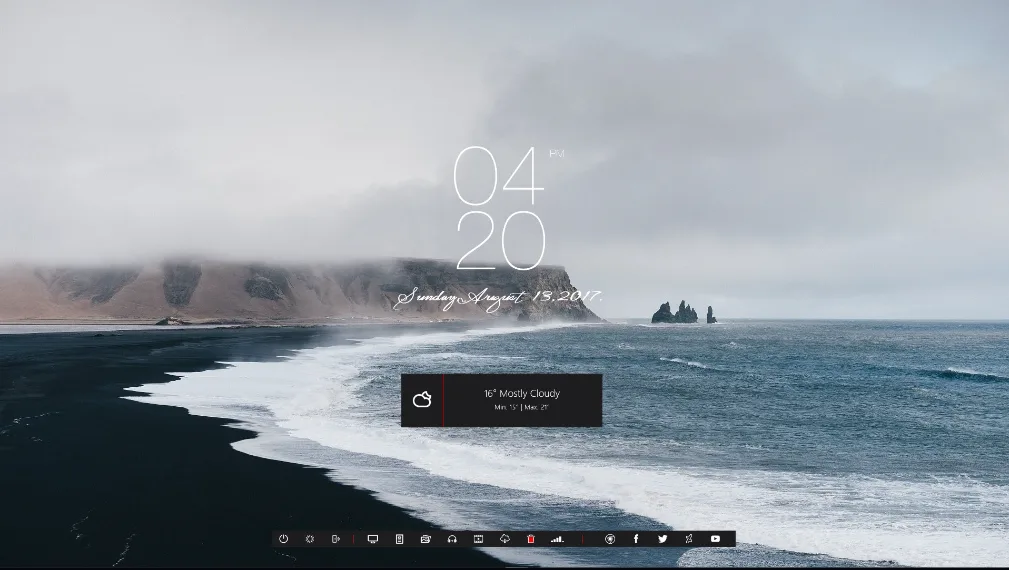
Rib-on is a Rainmeter clock skin created by Vinithkumar, a prolific Indian designer known for producing some of the most-downloaded skins on DeviantArt. With over 55,000 favourites, Rib-on sits among Vinithkumar's most beloved releases — and it's easy to see why. The skin takes a ribbon-inspired approach to desktop information display, presenting time, date, and system data in a horizontal strip that sits cleanly against almost any wallpaper.
Where most clock skins go tall and centred, Rib-on goes wide and discreet. The result is a skin that gives your desktop useful information without dominating it. The typography is sharp, the spacing is balanced, and the colour choices are restrained enough to feel modern without looking dated in six months. It's the kind of skin that works just as well on a minimal white wallpaper as it does on a deep dark background.
What's Included
- Clock widget — displays the current time in a clean digital format, readable at a glance
- Date widget — shows the full date, including day of the week and month
- System monitor — live readout of CPU and RAM usage so you can keep an eye on your PC without opening Task Manager
Who Is This Skin For?
Rib-on is ideal for users who want useful desktop information without a complicated setup or a cluttered look. If you prefer clean and minimal over flashy and layered, this skin will feel right at home. It's also a great first skin for beginners — there's nothing to configure, and it loads and runs straight out of the box.
Requirements
- Rainmeter 4.0 or higher (free download from rainmeter.net)
- Windows 7, 8, 10, or Windows 11 (32-bit or 64-bit)
- No additional plugins required
How to Install
- Download the .rmskin file from the DeviantArt page linked below
- Make sure Rainmeter is already installed and running (you should see its icon in your system tray)
- Double-click the downloaded .rmskin file — a Rainmeter installer window will pop up
- Click Install to add the skin to your Rainmeter library
- Open Rainmeter, go to the Manage window, and find Rib-on in the Skins list
- Click the .ini file and press Load — the skin appears on your desktop immediately
- Drag it to wherever you'd like it to sit on screen
If the skin loads but appears off-screen, right-click the Rainmeter tray icon, find Rib-on, and select Keep on screen. This snaps it back into view.
About the Author
Vinithkumar is an Indian digital designer who has been releasing Rainmeter skins on DeviantArt since the early 2020s. His work spans clock skins, system monitor suites, and full desktop themes — consistently earning tens of thousands of favourites for their clean aesthetics and reliable performance.
View the original release and all of Vinithkumar's work on DeviantArt: Rib-on by Vinithkumar on DeviantArt