What's Included
-
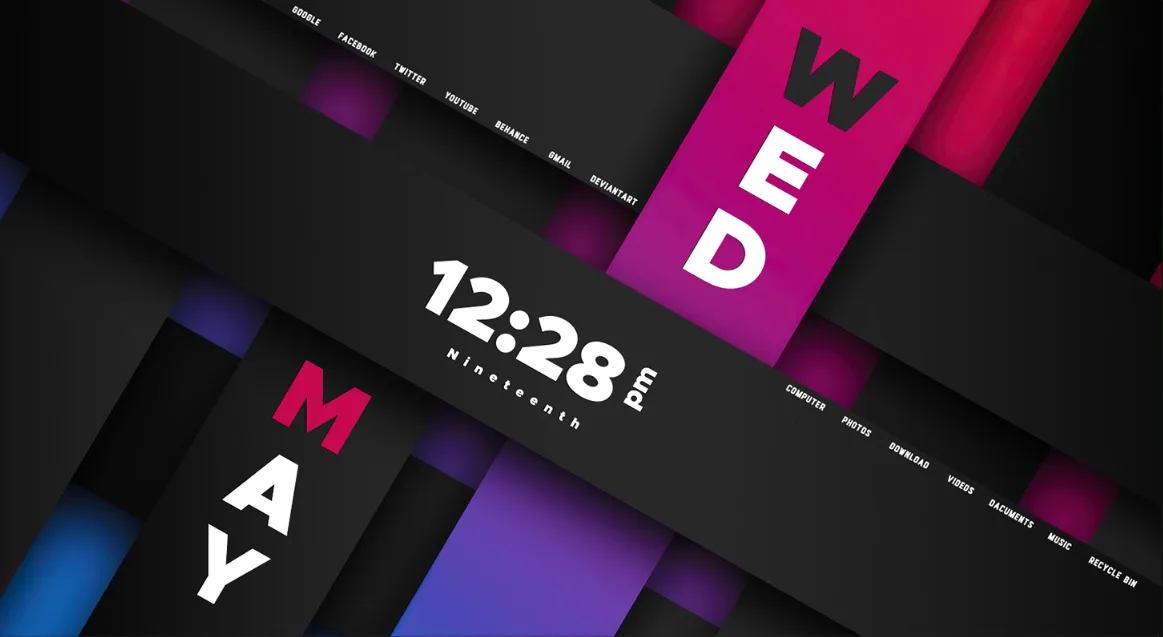
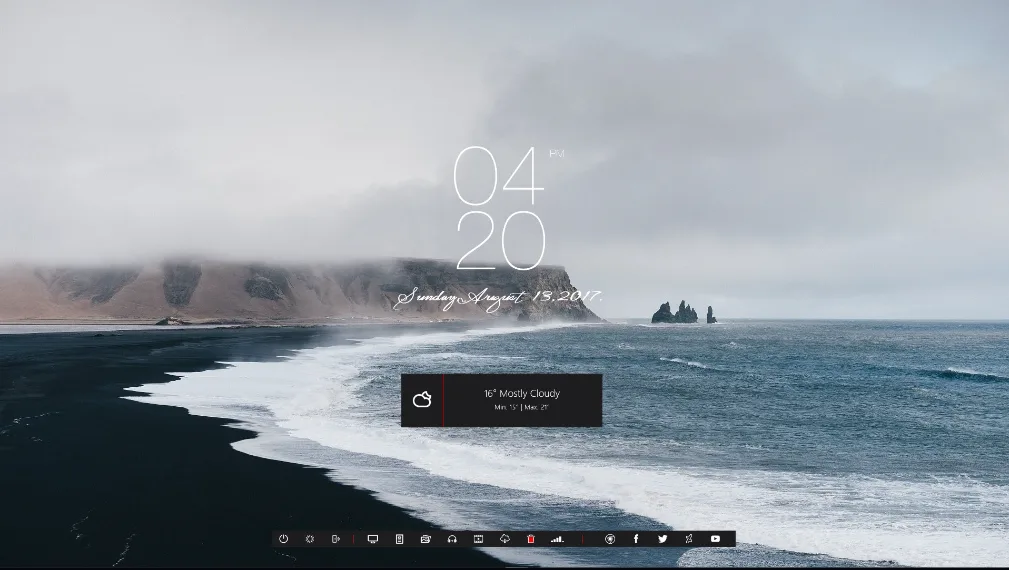
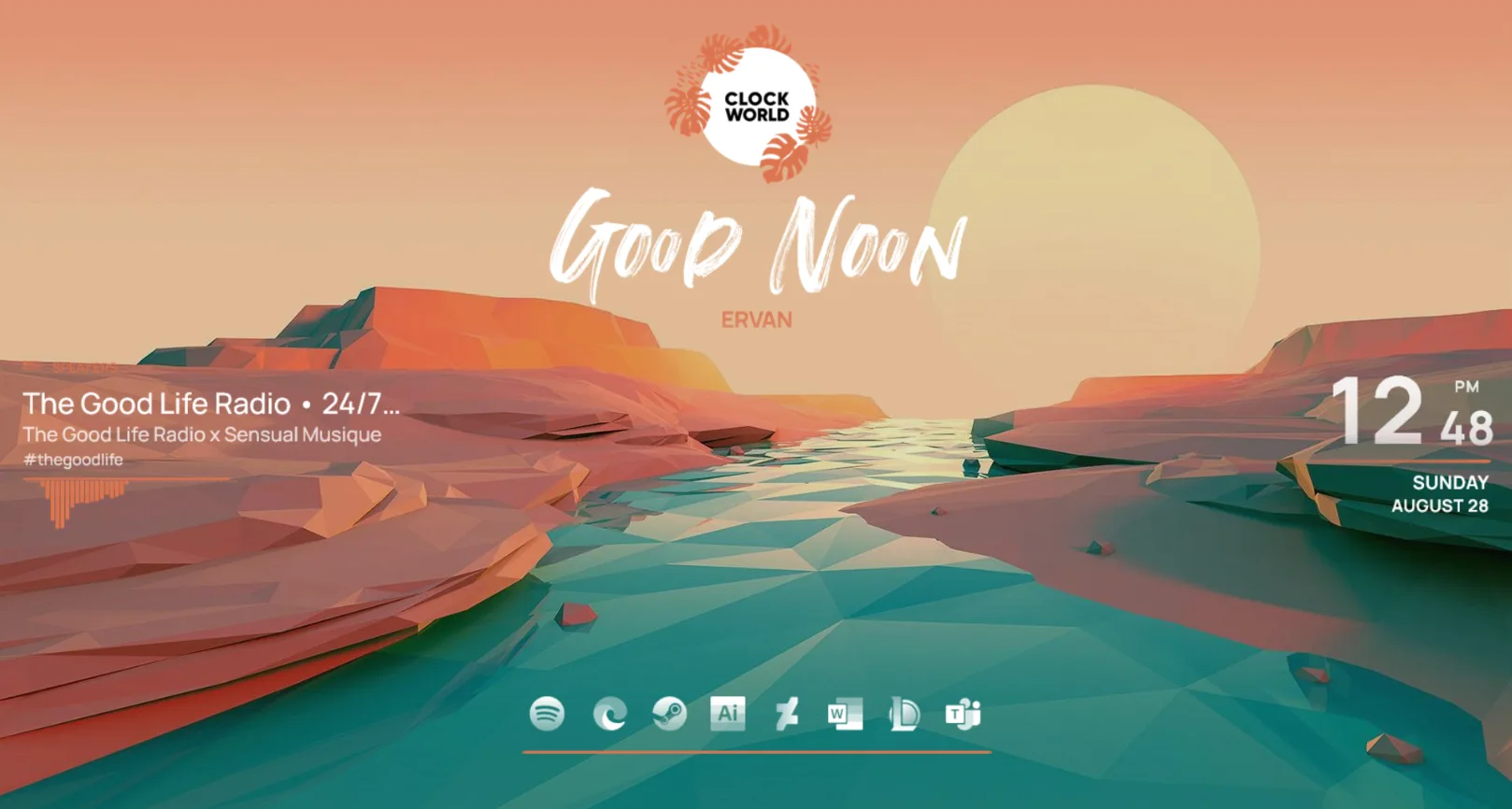
Main clock display – shows the current time in a large, readable format, acting as the visual centerpiece of the desktop layout.
Wallpapers and colors – customizable wallpaper and color scheme support so you can match the theme to your desktop background or mood.
Music player (WebPlayer support) – a built‑in music player that can show and control supported web players, so you can see your current track right on the desktop.
Desktop shortcuts – a set of quick‑launch icons or buttons that you can set to open your favorite apps, folders, or websites.
Modern settings UI – an in‑skin settings panel that lets you adjust colors, layout, and other options without editing files manually.
Adaptive quotes – a small quote or text module that can change or adapt based on time or other triggers, giving a light motivational or fun touch.
Who Is This Skin For?
Clock World works well for students, remote workers, and creatives in the USA who want a clean, organized desktop that reduces clutter. It’s also a good fit for users who like a minimalist yet functional Rainmeter setup with a clear focus on time and productivity.Requirements
-
Rainmeter: Version not specified by the author.
OS: Windows 10 / Windows 11
Plugins: Not specified by the author.
How to Install
-
Download the skin from DeviantArt or the GitHub link provided by the author
Open the .rmskin file
Click install
Load the skin from Rainmeter
Tip: If the layout looks too large or small, use the built‑in settings UI to adjust size or position, or manually resize the Rainmeter window and refresh the skin.
About the Author
OffBalanceCT (OffBalance Creative Team) is a DeviantArt creator and GitHub maintainer that builds modern, productivity‑focused Rainmeter suites. Their work focuses on clean, easy‑to‑use layouts that combine style with practical tools, and they often support updates and documentation for their skins.View the original release and more work: Clock World by OffBalanceCT on DeviantArt