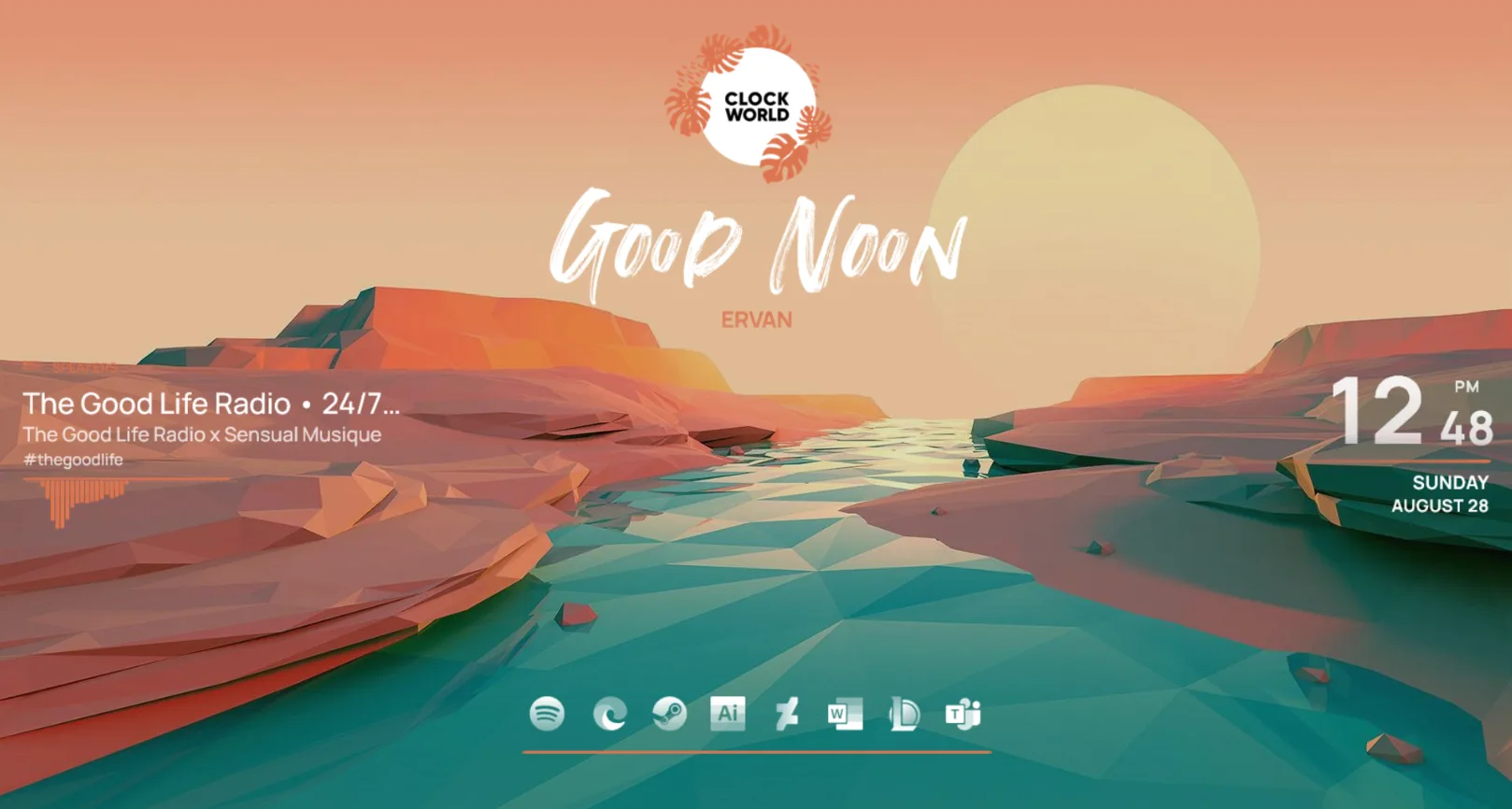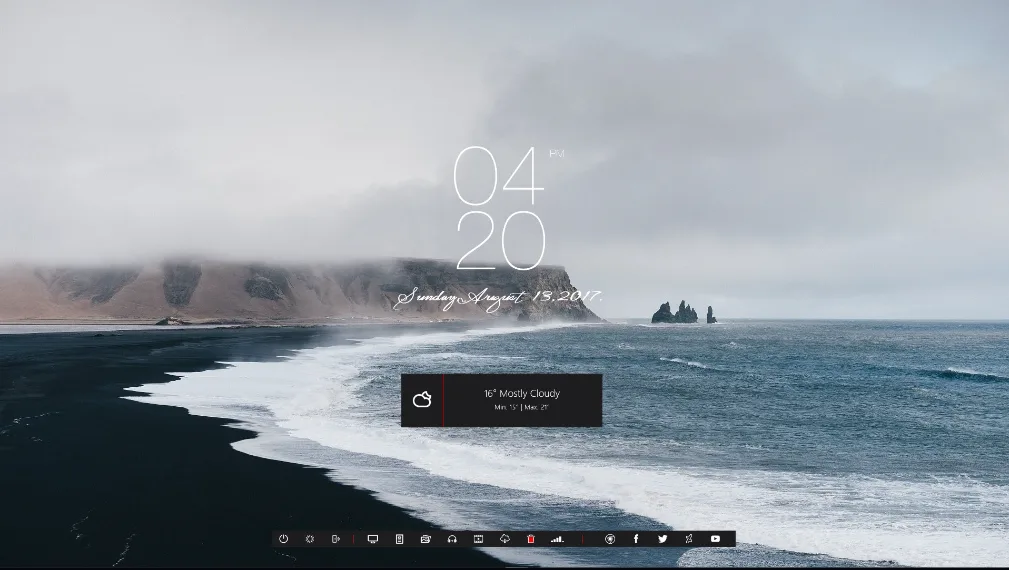
Momento is a comprehensive desktop suite created by Apexxx-Sensei, a well-known designer in the Rainmeter community. This skin transforms your Windows desktop into a high-tech dashboard, featuring a distinct vertical layout for time and date information that feels fresh and modern.
The design philosophy focuses on balance and readability. What makes Momento stand out is its clever use of vertical space and subtle transparency, allowing you to monitor your system performance without cluttering the center of your screen.
What's Included
- Vertical Clock — A stylish, top-to-bottom time and date display.
- System Monitor — Real-time tracking for your CPU and RAM usage.
- Storage Info — Visual bars showing used and available space for two hard drives.
- Network Meter — Monitoring for your upload and download speeds.
- Media Player — A compact controller for your music with song info and progress.
Who Is This Skin For?
This skin is perfect for users who want a "tech-heavy" look that remains organized and sophisticated. If you enjoy keeping an eye on your PC hardware stats while maintaining a clean aesthetic, Momento is an excellent choice.
Requirements
- Rainmeter 4.2 or newer
- Windows 7, 10, or 11
- Most media players (Spotify, Winamp, iTunes) supported via NowPlaying plugin
How to Install
- Download the .rmskin file from the official DeviantArt page.
- Double-click the file to open the Rainmeter Skin Installer.
- Make sure "Load included skins" is checked and click Install.
- Right-click the player or system widgets to choose between different layout variants if available.
A quick tip: If the media player isn't showing your song titles, make sure your player is open and active. For Spotify users, you may need to ensure the Spicetify extension is installed for full compatibility with Rainmeter's WebNowPlaying plugin.
About the Author
Apexxx-Sensei is a prolific Rainmeter artist known for creating some of the most popular futuristic and minimal suites on the platform.
View the original release and all of Apexxx-Sensei's work on DeviantArt: Momento by Apexxx-Sensei on DeviantArt